

Sales and support teams thrive when their tools work seamlessly together. But many teams face a challenge: voice and CRM data often exist separately, leading to inefficiencies and missed opportunities. Reps spend valuable time switching between systems, trying to find the right context for each conversation, and manually logging call outcomes. This disconnect can slow down workflows, result in inconsistent customer experiences, and increase administrative workload. As your business grows, these challenges only become more pronounced.
CTI for Salesforce solves this problem by integrating calling, context, and data directly into your Salesforce workflow. With the right solution, your team can streamline processes, improve efficiency, and deliver a more personalized, faster customer experience. This guide will help you understand what CTI is, where it fits, and which features are most important when selecting the right solution for your business.
What “CTI for Salesforce” Actually Means (Quick Clarity)
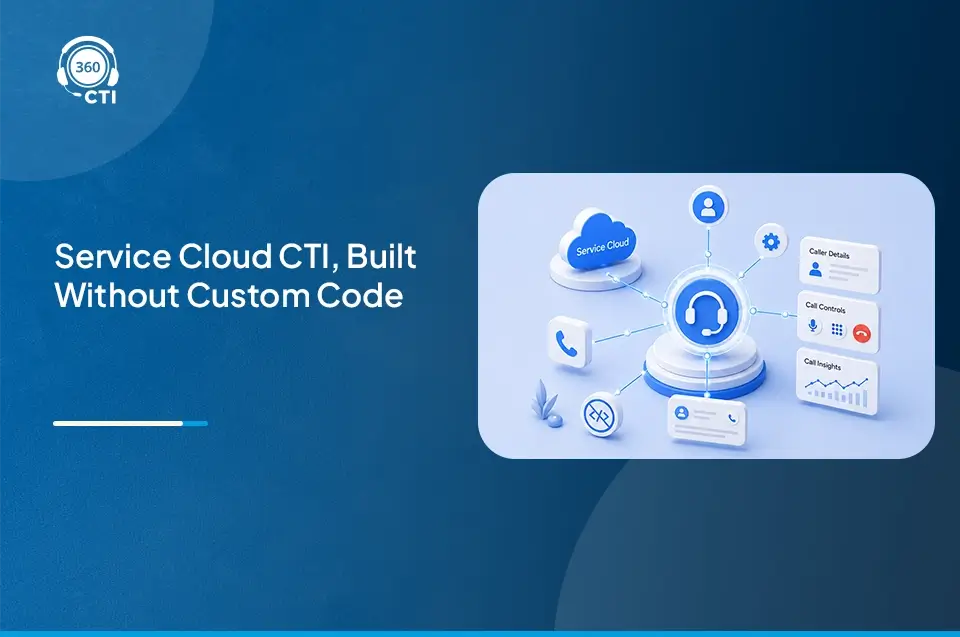
CTI stands for Computer Telephony Integration. It seamlessly connects your phone system with Salesforce, allowing agents to place, receive, and manage calls directly from within the CRM. This integration eliminates the need for agents to juggle between different tools, streamlining both sales and customer service workflows.
With CTI for Salesforce, every call is automatically logged, providing accurate, real-time data without requiring manual entry. The system pulls in relevant customer information from the CRM, giving agents a comprehensive view of each interaction before they even pick up the phone. This integration not only improves operational efficiency but also ensures that important details are never missed.
By automating call tracking, logging, and follow-up actions, CTI for Salesforce enhances data accuracy and empowers your team with valuable insights into customer behavior. This allows your sales and support teams to make informed decisions faster, improving both customer experience and team performance.
Where CTI Fits in Salesforce Telephony Integration
Salesforce is designed to be the central hub for all customer-related information, but most businesses still face challenges when integrating their phone systems into Salesforce. Without a CTI solution, your sales and support teams are forced to toggle between Salesforce and external telephony systems. This not only wastes time but also leads to errors in logging call data.
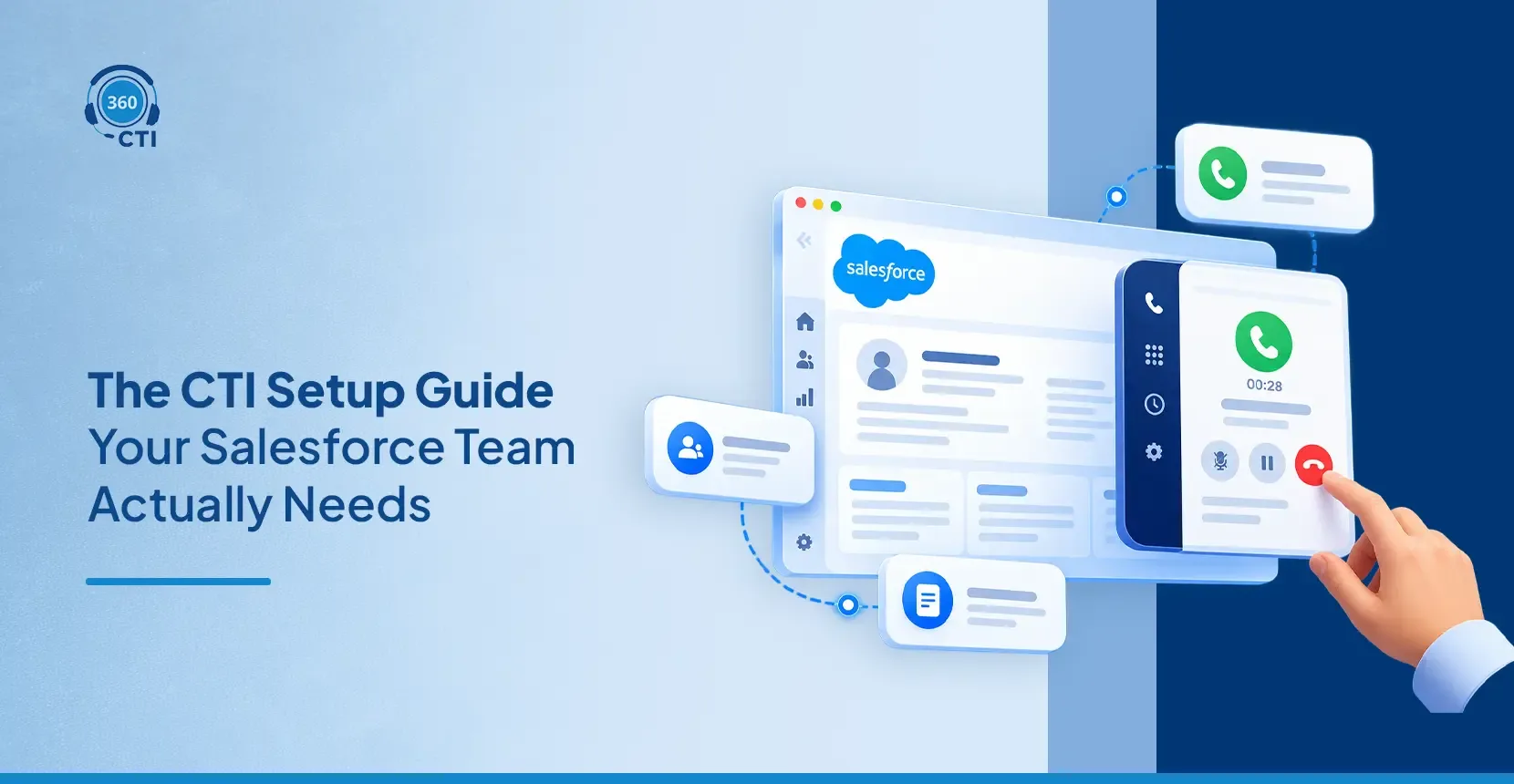
With CTI for Salesforce, you get native integration that ensures every call is logged in real time. As soon as a call is placed or received, Salesforce captures the data and associates it with the correct customer or lead. This eliminates the need for manual call logging and ensures that all customer interactions are tracked accurately.
Example Use Case:
Consider a sales rep who places a call to a lead. Without CTI, the rep has to switch between their phone system and Salesforce, manually entering the details of the call after it’s over. With CTI integration, the system automatically logs the call, updates the lead’s record, and adds call notes — all without the rep needing to lift a finger.
Want a complete, up‑to‑date guide on how Salesforce telephony integration works?

Core Features to Look for in CTI for Salesforce
When evaluating CTI solutions for Salesforce, ensure these key features are included to streamline workflows, improve agent efficiency, and elevate customer interactions:
1. Salesforce-Native Calling
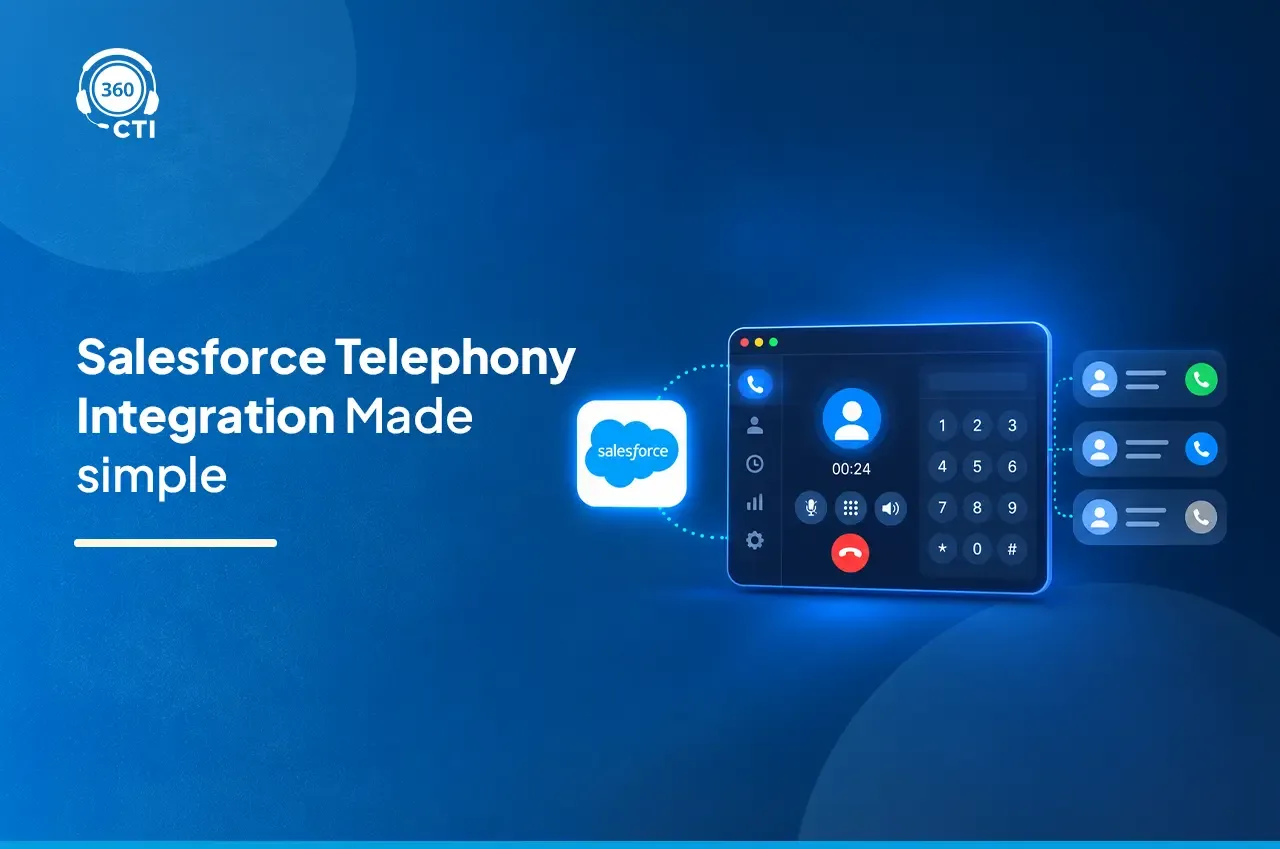
Salesforce-native calling integrates calling directly within Salesforce, eliminating the need for agents to switch between systems. Reps can make and receive calls without leaving the CRM, making processes more efficient.
Benefits:
- Faster call handling with no need to switch between tools.
- Accurate data capture as calls are logged automatically.
- Increased productivity by reducing manual tasks and context-switching
2. Automatic Call Logging and Data Capture
Every call is automatically logged in Salesforce, capturing critical details such as call duration, outcomes, and follow-up tasks. This automation removes the need for manual data entry.
- Eliminates manual data entry, saving time and reducing errors.
- Real-time call tracking for accurate customer records.
- Consistent data capture, ensuring no customer interaction goes unrecorded.
3. Screen Pops with Context
Screen pops automatically display the customer’s relevant record when a call is received. It pulls in historical data, such as previous interactions, customer details, and ongoing cases, allowing agents to have full context before they speak.
Benefits:
- Faster response time by eliminating the need to search for customer information.
- Improved customer satisfaction with personalized, context-driven conversations.
- Reduced call handling time, allowing agents to focus on solving issues.
4. AI-Powered Call Insights
AI features such as real-time transcription, sentiment analysis, and call summaries provide agents with actionable insights, helping them understand customer emotions and intentions during calls.
Benefits:
- Smarter interactions by tailoring responses based on sentiment and intent.
- Improved customer service through better-informed agents.
- Faster issue resolution by highlighting urgent or high-priority cases.
5. Call Routing and Queue Management
Intelligent call routing ensures calls are directed to the right agent based on criteria such as agent expertise, customer priority, and historical data. This reduces wait times and improves first-call resolution rates.
Benefits:
- Faster resolutions by ensuring calls go to the most qualified agent.
- Improved customer experience with fewer transfers and wait times.
- Optimized agent workload by balancing call volume across teams.
6. Omnichannel Support
CTI for Salesforce integrates multiple communication channels, including voice, chat, email, and social media, into a single platform. This allows agents to seamlessly manage all customer interactions within Salesforce.
Benefits:
- Unified experience for agents managing multiple channels in one place.
- Consistent customer engagement across all touchpoints.
- Improved operational efficiency with streamlined workflows for all communication types.
How to Shortlist the Right Salesforce CTI Solution
Selecting the right Salesforce CTI solution requires a thoughtful approach. It’s not just about choosing the cheapest or most feature-packed option; it’s about understanding how the solution aligns with your team’s goals and workflows. Below are the key factors to consider when narrowing down your choices:
1. Scalability: Ensure Your Solution Grows With Your Business
As your business grows, your needs will evolve. The right Salesforce CTI solution must scale with your business and handle increasing call volumes, more complex workflows, and a growing team. This means choosing a platform that can accommodate growth without adding significant complexity or costs over time. Here’s how you can evaluate scalability:
- Volume Handling: Can the CTI solution manage high call volumes without causing delays or errors?
- Geographic Expansion: Does it support global teams, multi-country calling, or multiple time zones?
- Flexibility in Expansion: Can you easily add more users or integrate new communication channels (chat, email, social media) as needed?
2. Seamless Integration with Existing Systems
The true power of a CTI solution comes from its ability to integrate seamlessly with your existing Salesforce setup and other systems like marketing platforms or customer service tools. Look for a solution that connects easily with your CRM data, allowing you to access everything in one place without needing to switch between multiple apps or platforms. Here’s how you can evaluate integration:
- Native Integration: Does the solution integrate natively with Salesforce, or does it require third-party connectors or custom development? Native solutions reduce the complexity of the integration process.
- Existing Tools Compatibility: Ensure the solution integrates with your current phone systems, email platforms, and other communication channels.
- Data Syncing: Can call details and customer interactions be logged automatically into Salesforce without manual effort?
3. Cost vs. Benefit: Long-Term Value Over Initial Price
While cost is a significant factor in any purchase decision, focusing on long-term benefits is critical when selecting a Salesforce CTI solution. The right solution will save you time, reduce errors, and streamline workflows, resulting in improved efficiency and customer service. Here’s how to evaluate cost vs. benefit:
- Total Cost of Ownership: Factor in both the upfront costs and ongoing fees for software, maintenance, and support.
- Time Saved: How much time will be saved in manual processes (e.g., call logging, reporting, follow-ups)?
- Increased Efficiency: Consider how much more efficient your team will be once calls are automatically logged, and the CRM is kept up-to-date in real time.
4. Support for Automation: Streamlining Workflows for Maximum Efficiency
Automation is key to reducing manual effort and improving consistency. Look for a CTI solution that offers robust automation features such as call logging, follow-up creation, and reporting. Automation allows your team to focus on high-value tasks, like nurturing leads or resolving customer issues, instead of wasting time on repetitive data entry. Here’s how to evaluate automation:
- Automatic Call Logging: Does the solution automatically log call details and outcomes in Salesforce?
- Automated Follow-Ups: Can it schedule and track follow-ups or send reminders after calls are completed?
- Customizable Workflows: Can you set up automatic workflows, such as triggering an email or creating tasks based on call outcomes?
5. AI Features: Stay Ahead with Intelligent Insights
AI capabilities in CTI systems are becoming increasingly essential. AI features like real-time sentiment analysis, automatic call transcription, and smart routing enhance call quality, provide valuable insights, and reduce the burden on agents. With AI, your team can be more productive and responsive, offering a higher level of personlized customer service. Here’s how to evaluate AI features:
- Sentiment and Intent Analysis: Does the system analyze customer sentiment in real-time, allowing agents to tailor responses accordingly?
- Automatic Transcription and Call Summaries: Can the CTI solution automatically transcribe calls and generate summaries for easy reference?
- Smart Call Routing: Does the system use AI to prioritize high-value calls or route them to the most qualified agent based on their skills?
Want to know why 360 CTI can be the best Salesforce telephony solution for your business?

Conclusion
Choosing the right Salesforce CTI solution is essential for improving team efficiency and customer interactions. As your business grows, a seamless system that integrates calls and data into Salesforce becomes crucial. A strong CTI for Salesforce helps automate tasks, enhance agent performance, and ensure real-time insights. With AI-powered features and smart routing, your team can work more efficiently and provide better customer experiences. Looking ahead, Salesforce CTI software will be key to scaling operations and delivering exceptional service.
Ready to optimize your calling workflows? See how Salesforce CTI integration can boost your team’s productivity and customer satisfaction.
Related: