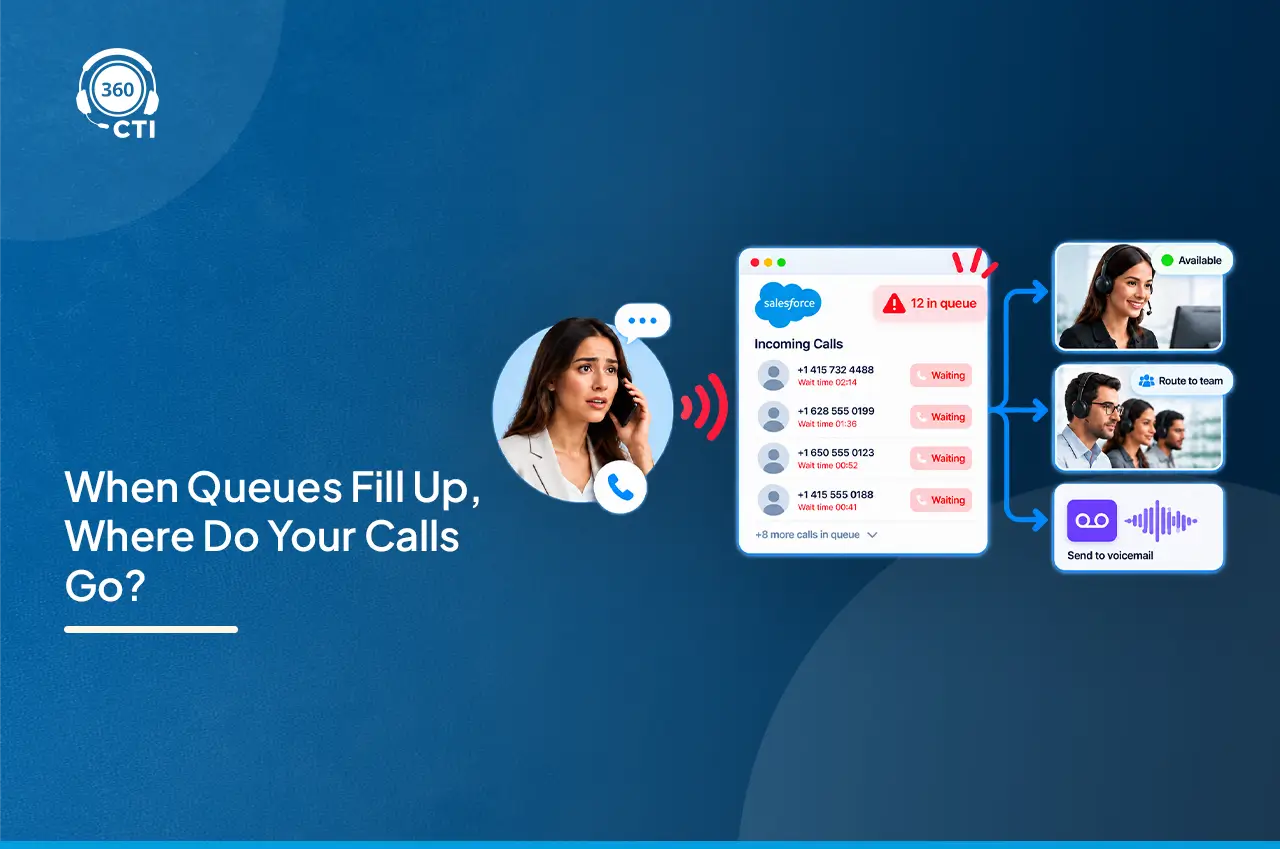
A case comes in at 4:52 PM on a Friday. The queue picks the first available rep, who happens to be new, doesn’t speak the customer’s language, and has four other open items already. The case sits untouched until Monday. That’s not a routing failure exactly, it’s a routing config nobody ever tuned past the default.
Salesforce omni channel routing is only as good as the rules behind it, and most orgs stop configuring the moment the basic queue works. This piece walks through what actually needs setting up: skill matching, time-based logic, capacity limits, and where voice fits into all of it.

Here’s the short version: [Salesforce omni channel routing] is the engine that decides who gets a case, chat, lead, or messaging session the moment it lands in Salesforce, instead of a human picking from a list.
No manual triage. No rep refreshing a queue view hoping to grab the easy ones first (yes, that happens, and it’s exactly the behavior routing is supposed to eliminate).
Work items get evaluated against a routing configuration the moment they’re created or reassigned. That configuration checks who’s online, who has room, and, if you’ve set it up, who actually has the right skill for the job. The output is one rep getting one work item pushed to their screen. Not a queue full of options. One assignment.
Three routing models exist inside this framework:
Most orgs start with queue-based routing because it ships fast. The problem shows up six months later, when a Spanish-speaking customer gets routed to someone who needs a translator, or a billing dispute lands with a rep who’s never touched billing.

Digital channels, chat, cases, messaging sessions, have had solid routing support inside Salesforce for years now. Voice is where things get murkier.
Native Salesforce calling tools weren’t originally built with the same skill-matching depth that chat and case routing got. A call comes in, and depending on your setup, it either hits a queue, rings a hunt group, or goes through basic IVR logic that has no idea whether the agent it’s about to connect actually speaks the caller’s language or handles that product line.
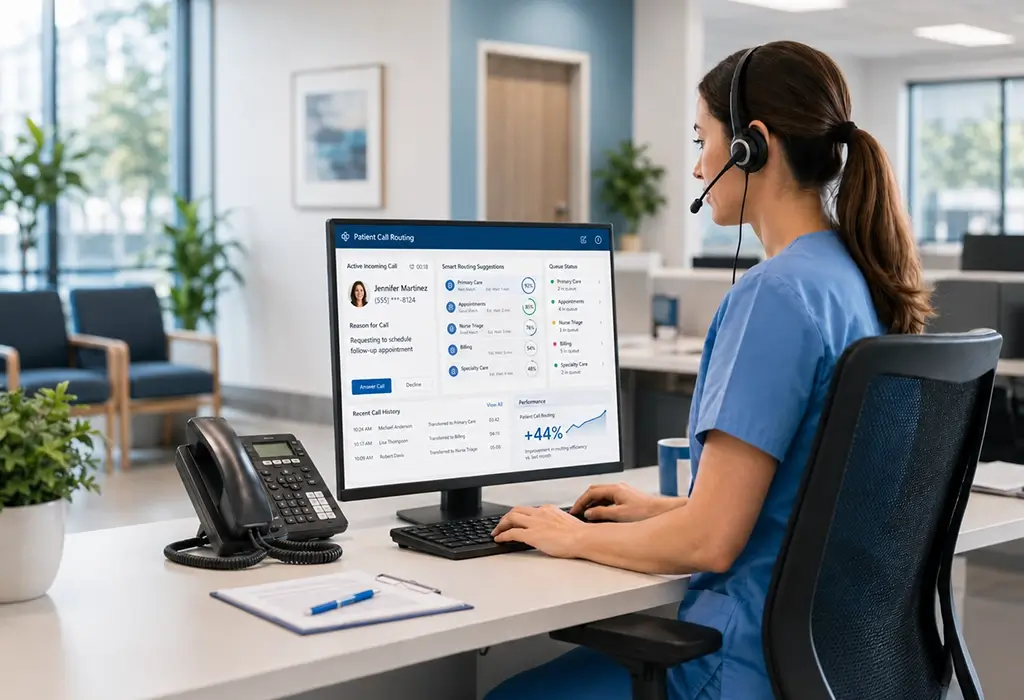
That gap matters more than people think. A support case can sit in queue for two minutes without anyone noticing. A ringing phone call cannot. Callers hang up. That is why contact center teams use a Salesforce call center solution that feeds call events directly into the same Omni-Channel logic already handling cases and chats. Time-based routing salesforce logic that works fine for asynchronous channels falls apart under the real-time pressure of a live voice conversation.
This is exactly why voice-specific omni channel routing configuration Salesforce setups need a CTI layer for Salesforce sitting underneath Omni-Channel, translating call events into the same routing signals your cases and chats already use. More on that shortly.
Skill-based routing isn’t a toggle. It’s a chain of five decisions, and skipping any one of them breaks the whole thing.
Step 1: Turn it on. From Setup, search Omni-Channel Settings, enable Enhanced Omni-Channel Routing, then check “Enable Skills-Based and Direct-to-Agent Routing.”
Step 2: Define the actual skills. Go to Setup and search Skills. Create entries like Spanish, Billing, Enterprise Accounts, whatever maps to how your team actually splits work. Keep the list tight. A skills taxonomy with forty entries is a taxonomy nobody maintains past month two.
Step 3: Assign skills to service resources. Each rep needs their skills attached through the Service Resource object, not the user record. Managing skills at scale connects directly to lead and agent management in Salesforce keeping routing assignments accurate as teams change. This trips people up constantly because it feels like it should live on the user profile.
Step 4: Build a skill mapping set. This is the translation layer, the piece that says “when Case. Language equals Spanish, that means the case requires the Spanish skill.” One mapping set per object (cases, leads, messaging sessions all need their own).
Step 5: Update the routing configuration. Edit the routing configuration tied to your queue, select “Use with Skills-Based Routing Rules,” and save. Once this is active, queue membership stops mattering for that queue. Routing runs entirely on skill match plus capacity.
A required skill has to match 100% or the rep is filtered out. Additional skills are nice-to-haves, and you can set a drop order so that if nobody with the full skill set is free after a timeout, Salesforce starts relaxing requirements one skill at a time instead of leaving the case stranded.
Skill matching solves who gets the work. It says nothing about when.
Time-based routing salesforce rules typically run through Business Hours records combined with Flow logic or entitlement processes, routing differently depending on whether a case comes in during coverage hours or outside them. Set this up wrong and you’ll route an urgent after-hours issue straight into a queue nobody’s watching until 9 AM.
Practical patterns worth building:
None of this requires custom code. It’s Flow Builder, Business Hours setup, and entitlement processes, configuration work, not development work. Which is also why it gets skipped. It’s tedious, not technically hard, and tedious work has a way of staying on the backlog.
Capacity is the piece that keeps skill-based routing from just dumping everything on your best-skilled rep.
Every service resource sits under a Presence Configuration, which defines how much work that rep can hold at once. Capacity gets measured in relative work units or a straight percentage, and different channels can carry different weights. A phone call might count as 3 units. A chat might count as 1. That weighting matters, because a rep juggling three live calls is doing very different work than a rep managing three idle chat windows.
Two routing models decide who wins when multiple reps qualify:
| Model | How It Breaks Ties |
| Least Active | Picks the rep with the fewest currently open work items |
| Most Available | Picks the rep with the most unused capacity remaining |
If capacities are still tied after that, Salesforce falls back to login time, oldest login first for reps with zero active work, and longest-since-last-assignment for reps already carrying something.
Worth saying: capacity models are the single most under-configured part of most Omni-Channel setups. Teams get skills right, then leave every rep on the default capacity weight, and wonder why one senior agent is buried while three others sit idle. That’s not a routing bug. It’s a capacity config nobody revisited since go-live.

Native Omni-Channel handles digital work items well. Voice needs something extra to feed into that same system.
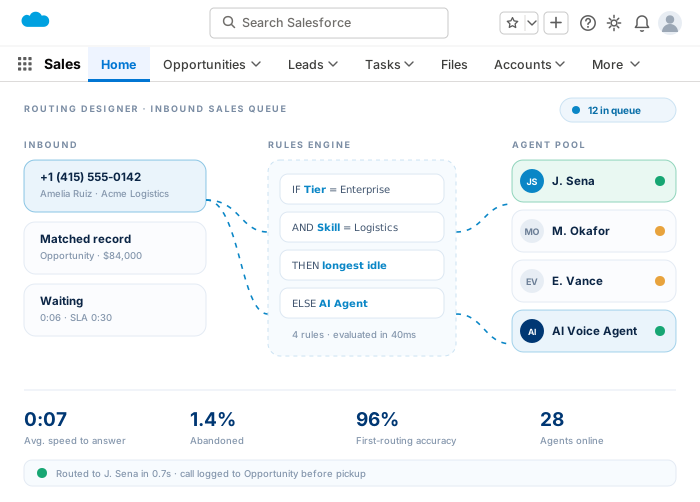
A CTI integration sits between the phone system and Salesforce, converting call events, ringing, answered, missed, transferred, into the same signals Omni-Channel already understands for cases and chats. That’s the piece that lets a call get skill-matched the same way a case does, instead of routing on a separate, disconnected phone-system logic that Salesforce never sees.
In practice, this covers:
Without that layer, voice routing usually runs on its own separate rules, a hunt group here, an IVR menu there, none of it aware of what Omni-Channel already knows about agent skills and capacity.

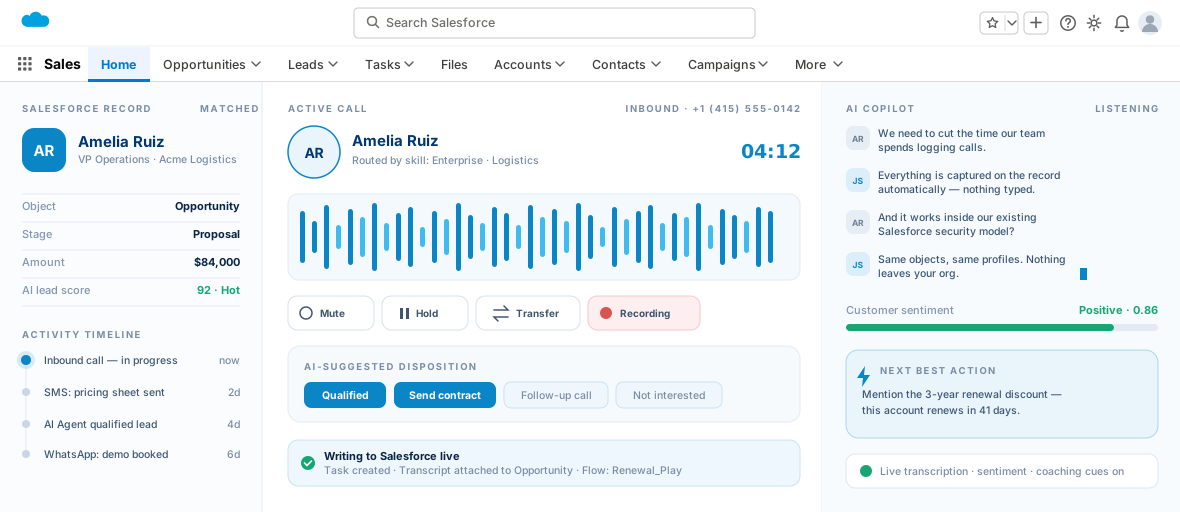
360 CTI supports call routing based on skills, team, region, business hours, customer history, caller priority, and agent availability, which means voice can follow the same routing logic your cases and chats already run on instead of operating as a disconnected phone system bolted onto Salesforce.
For teams that have already invested time building out skill-based routing for cases, this matters more than it might sound. It’s not a separate routing engine to learn and maintain. It extends the configuration you’ve already built, IVR, call queues, and agent availability status (Online, Away, Offline) all feed into the same decision logic that determines who’s reachable and qualified at that exact moment.
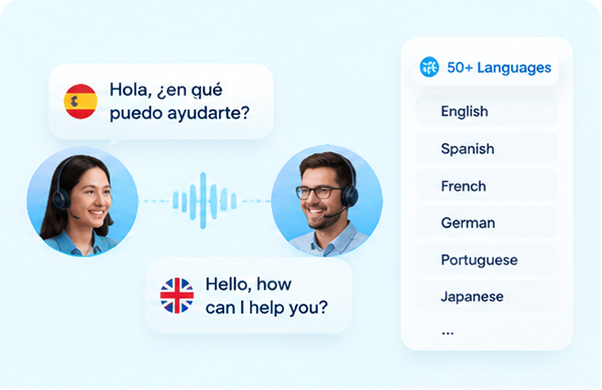
Multilingual customers get routed based on actual language skill rather than a generic front-desk number. Priority accounts can route straight to an owner. And because 360 CTI runs without open CTI dependency, the routing logic isn’t bottlenecked by a legacy adapter layer that Salesforce itself has been quietly deprecating.
None of this replaces the work of building good skill mappings and capacity models in the first place. It just means that work extends to your phone channel instead of stopping at your case queue.
Most Omni-Channel implementations get the queue working, call it done, and move on. That’s fine until volume grows, languages multiply, or a call center gets added to the mix, and suddenly the default routing config is sending work to whoever’s simply logged in, not whoever’s actually right for the job. Skill mapping, capacity weighting, and time-based rules aren’t optional extras. They’re the difference between routing that just moves work and routing that moves it to the right place. Voice tends to be the channel left out of that conversation entirely, mostly because native tools weren’t built to carry it the same way. A CTI layer closes that gap, and 360 CTI does it by feeding call events straight into the routing logic your team has already built for everything else.

Most Salesforce orgs have spent years cleaning up email data, form data, and web activity data. Voice usually gets skipped. A rep…
A rep is thirty seconds into a call when the prospect throws out an objection nobody prepped them for. There’s a pause.…
A case comes in at 4:52 PM on a Friday. The queue picks the first available rep, who happens to…
We use cookies to help you navigate efficiently and perform certain functions. You will find detailed information about all cookies under each consent category below.
The cookies that are categorized as "Necessary" are stored on your browser as they are essential for enabling the basic functionalities of the site.
We also use third-party cookies that help us analyze how you use this website, store your preferences, and provide the content and advertisements that are relevant to you. These cookies will only be stored in your browser with your prior consent.
You can choose to enable or disable some or all of these cookies but disabling some of them may affect your browsing experience.
Necessary cookies are required to enable the basic features of this site, such as providing secure log-in or adjusting your consent preferences. These cookies do not store any personally identifiable data.
Functional cookies help perform certain functionalities like sharing the content of the website on social media platforms, collecting feedback, and other third-party features.
Analytical cookies are used to understand how visitors interact with the website. These cookies help provide information on metrics such as the number of visitors, bounce rate, traffic source, etc.
Performance cookies are used to understand and analyze the key performance indexes of the website which helps in delivering a better user experience for the visitors.
Advertisement cookies are used to provide visitors with customized advertisements based on the pages you visited previously and to analyze the effectiveness of the ad campaigns.
Other uncategorized cookies are those that are being analyzed and have not been classified into a category as yet.