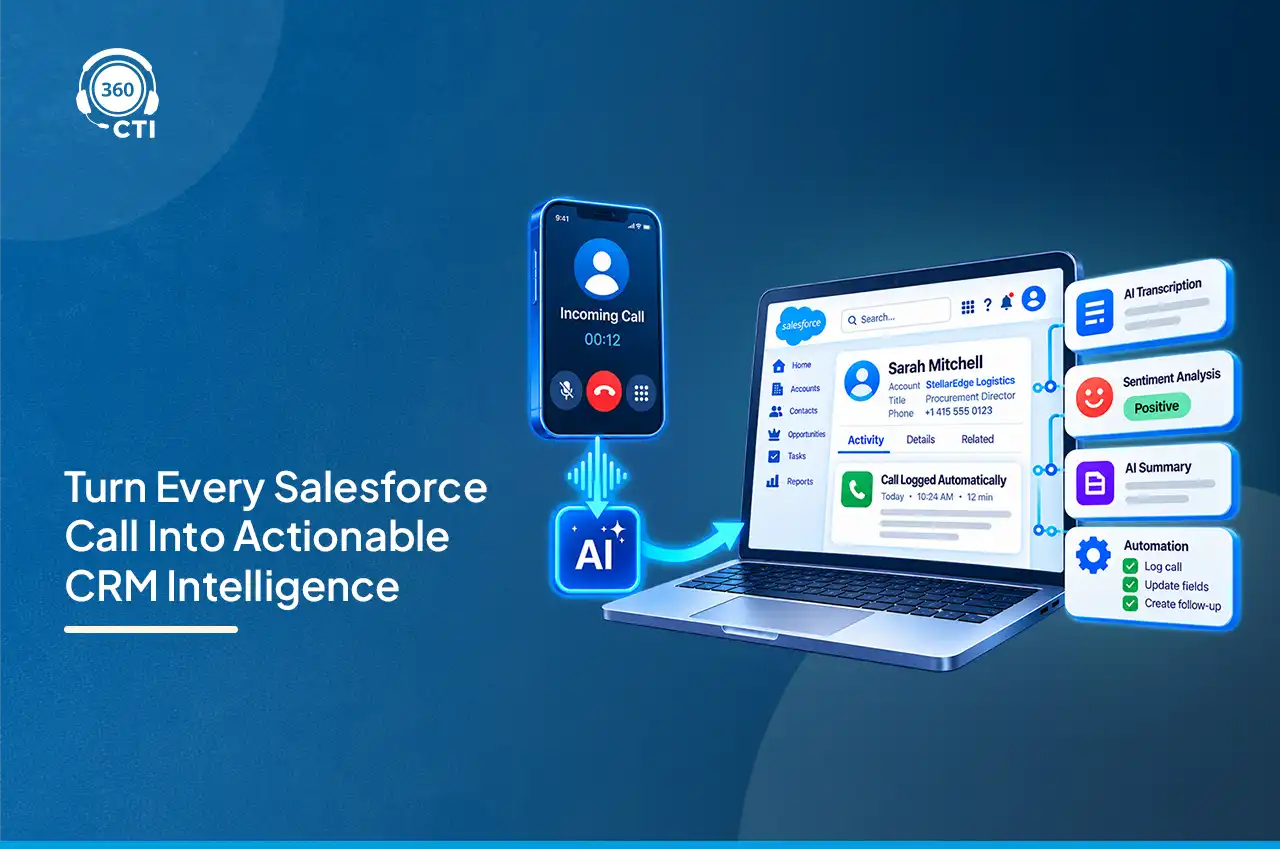
Most Salesforce orgs have spent years cleaning up email data, form data, and web activity data. Voice usually gets skipped. A rep takes a call, jots three lines in a task, and the actual conversation, the objection, the tone shift, the thing the customer almost said but didn’t, disappears the second the call ends.
Salesforce Voice AI is the attempt to fix that gap, but the term gets thrown around loosely. It’s not one feature. It’s three layers stacked on top of each other, and knowing which layer does what changes how you evaluate any tool claiming to offer it.

Salesforce Voice AI refers to the combination of call infrastructure and AI analysis that turns a phone conversation into structured, searchable, actionable Salesforce data. That’s the short version. The longer version is that “Voice AI” isn’t a single product you install. It’s a stack: something has to place and receive the call, something has to bring that call into the Salesforce voice experience, and something has to actually listen and extract insight from it.
Architects evaluating this space run into confusion fast because vendors use “Voice AI” to describe wildly different things. A CTI vendor might mean click-to-dial with a transcript bolted on. Salesforce itself uses the term closer to what Einstein’s conversation analytics does. Neither is wrong, exactly. They’re just describing different layers of the same stack.
This matters more than it sounds like it should. A sales technology lead comparing two vendors, one calling itself “Salesforce Voice AI” and the other “AI-powered CTI,” might assume they’re evaluating competing products. Often they’re not. One vendor is describing the intelligence layer. The other is describing the plumbing underneath it. You generally need both, and understanding which layer each vendor actually occupies changes the entire evaluation.
Here’s where the confusion usually clears up. Break the stack into three distinct jobs, and each vendor’s claim starts making more sense.

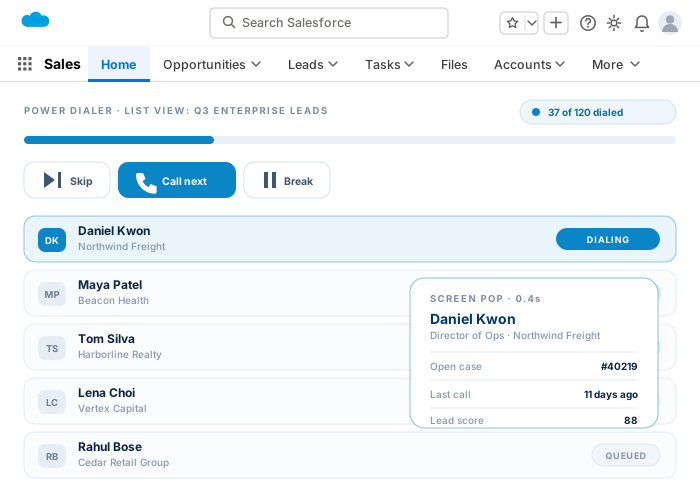
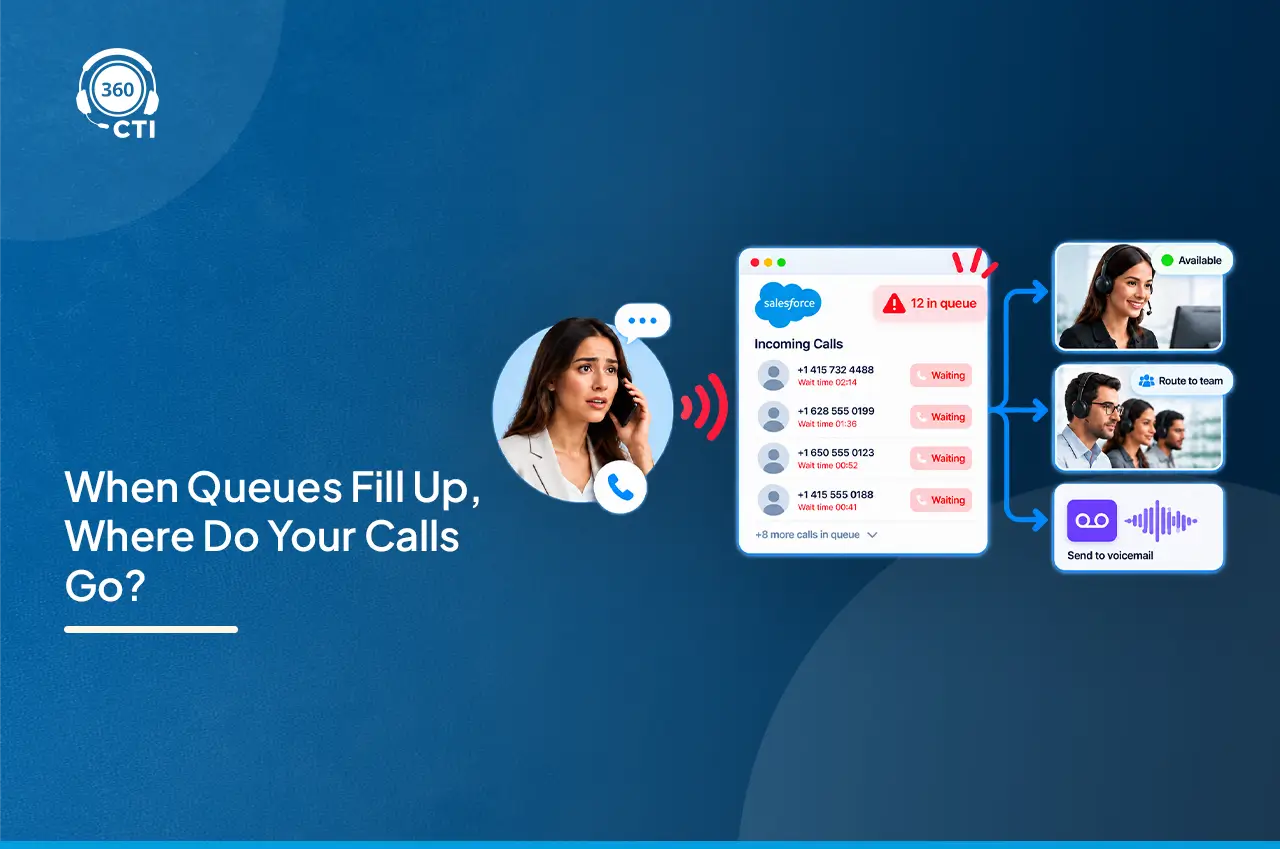
This is the plumbing. CTI connects a phone system to Salesforce so calls can be placed, received, logged, and tied to the correct record. Salesforce’s Open CTI framework provides the JavaScript methods, like screen Pop and save Log, that let a telephony vendor write call data into Salesforce records and pop the right screen when a call comes in. CTI on its own has no AI in it. It’s infrastructure.
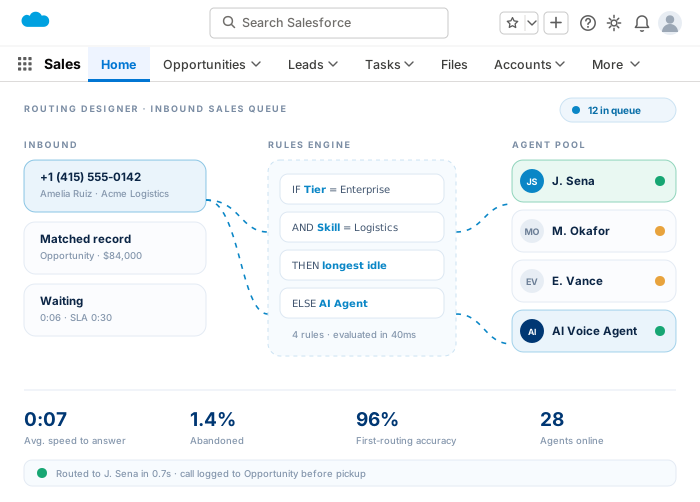
This is Salesforce’s own voice product, and it’s built specifically on top of Amazon Connect. You cannot run Service Cloud Voice without an Amazon Connect instance behind it (Salesforce also supports “partner telephony” options where a third-party provider plugs into the SCV framework instead of native Amazon Connect). SCV brings calls into the Service Console with omni-channel routing and live transcription baked in.
This is where the actual intelligence lives. Einstein processes the recorded or transcribed call and surfaces things like sentiment, keyword mentions, competitor references, and generated summaries. Note that this layer has gone through a naming shuffle. Einstein Conversation Insights was rebranded to Conversation Intelligence, and Salesforce’s Spring ’26 release consolidated call summaries and generative insights into a single experience called Generative ECI. Same underlying capability, evolving name, worth knowing if you’re reading documentation that still says “ECI.”
| Layer | What It Does | Where 360 CTI Fits |
| CTI | Places, receives, logs calls, ties them to records | This is 360 CTI’s core layer |
| Service Cloud Voice | Salesforce’s native voice console, built on Amazon Connect | Alternative path, not required if using CTI directly |
| Einstein AI (Conversation Intelligence) | Transcribes, analyzes, summarizes, scores sentiment | Consumes clean call data that CTI feeds it |
360 CTI sits in that first layer, and it’s worth being precise about that instead of overclaiming. It is not a replacement for Einstein’s analysis engine. It’s the infrastructure that gets a clean, structured, correctly-logged call in front of whatever analysis layer you’re running, whether that’s Einstein, a third-party transcription tool, or 360 CTI’s own AI call automation features.
Once a call reaches Einstein (via Conversation Intelligence, formerly ECI), a few specific things get extracted. Not everything, and not with equal reliability across the board.
Automatic insights include keyword tracking for competitor mentions, product names, and custom terms an admin defines. Sentiment signals, flagged at points where tone shifts noticeably. Call summaries, generated for the whole conversation rather than requiring a manager to listen to the recording start to finish. And next-step suggestions, pulled from what was actually said rather than a generic template.
One limitation worth flagging plainly: automatic insights aren’t configurable and depend on machine learning pattern matching, which means their accuracy varies by call type and even by language. Custom insights, on the other hand, can be tuned to an org’s specific vocabulary, up to eight generative insights per call under the current release. If your team sells in a niche vertical with jargon Einstein has never seen, custom insights matter more than the out-of-the-box ones.
Conversation Intelligence doesn’t record calls itself in most configurations. It links to recordings stored in a connected voice or video provider, Zoom, Google Meet, Microsoft Teams, or a supported dialer like Amazon Connect, Dialpad, RingCentral, or Aircall, and pulls insights from there. The actual audio file usually lives outside Salesforce, in the provider’s storage. That distinction matters for compliance conversations, since “the call recording is in Salesforce” isn’t quite accurate for most setups.
Einstein can only analyze what CTI hands it, and that dependency runs deeper than most evaluation conversations acknowledge.

Think about what a CTI layer actually captures on a call: which record it’s tied to, call direction, duration, disposition, and, critically, the recording or transcript itself. If that data is fragmented, missing country codes, duplicate contact records, calls logged against the wrong object, Einstein’s insights inherit every one of those problems. Bad call metadata doesn’t just create messy reports. It actively degrades sentiment scoring and keyword matching, because the system can’t reliably tie a conversation to the right account history for context.
This is the part vendors gloss over. A CTI integration needs to feed Einstein (or whatever intelligence layer sits above it) with structured, correctly attributed call data, not just audio. Voice recordings, timestamps, participant details, and disposition fields all need to land on the right Salesforce object before any AI model can do something useful with them.
Picture two orgs running the same Einstein Conversation Intelligence setup. Org A has clean phone number formatting, consistent disposition values, and every call logged against the correct opportunity or case. Org B has duplicate contacts, calls occasionally logged against the wrong lead because two records share a similar number, and disposition fields half the team ignores. Both orgs get the same AI model. Org A gets coaching queues managers actually trust. Org B gets a dashboard full of noise nobody acts on, because the underlying data was never solid enough to build confidence in the output. The AI didn’t fail. The plumbing did.
A quick correction that trips up a lot of teams still reading older documentation: Einstein Copilot was renamed Agentforce in January 2025. Same underlying conversational AI assistant, new brand. If a vendor or blog is still calling it “Copilot for Voice,” they’re either using outdated terminology or describing a legacy feature.
Under the current naming, managers pull voice insights two ways. Through Conversation Intelligence dashboards directly, which surface trending keywords, coaching opportunities, and call volume by rep. And through Agentforce, which can act on those insights autonomously, creating a coaching task when a rep’s talk ratio crosses a threshold, or routing a competitor-mention alert to a deal desk without a human triggering it manually. Einstein handles the analysis. Agentforce handles the follow-up action. They are not the same product, even though Salesforce’s marketing sometimes blurs the line between them.
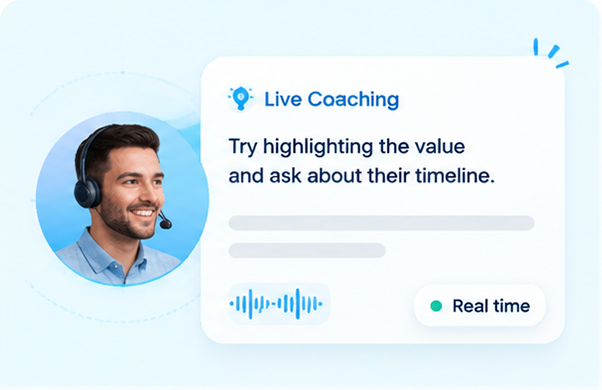
Sales. Reps get automated call summaries logged against opportunities without manual note-taking. Managers get coaching queues built from actual conversation data instead of spot-checking random calls.
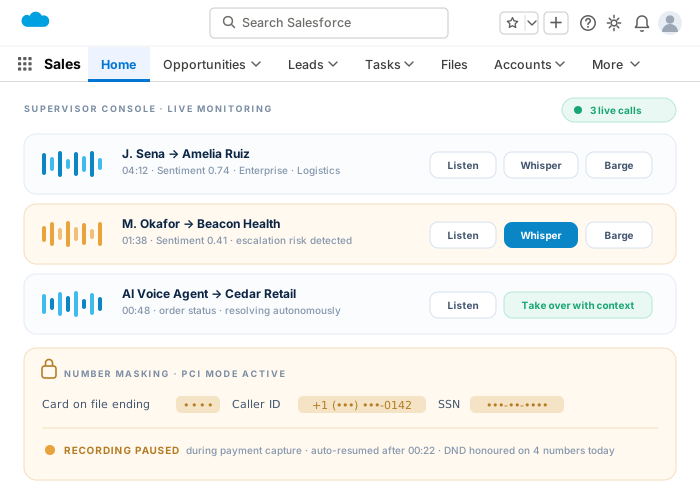
Service. Sentiment flags help supervisors identify escalating calls in near real time, and screen pop (fed by the CTI layer) gives agents case history before the customer finishes their first sentence.
Compliance. Recorded and transcribed calls create an audit trail for regulated industries. Worth noting directly: Salesforce’s standard BAA coverage does not automatically extend to every AppExchange tool touching call data, so healthcare and other regulated teams need to verify BAA coverage for each layer of the stack, CTI vendor included, not assume it’s covered because the primary Salesforce org has one.

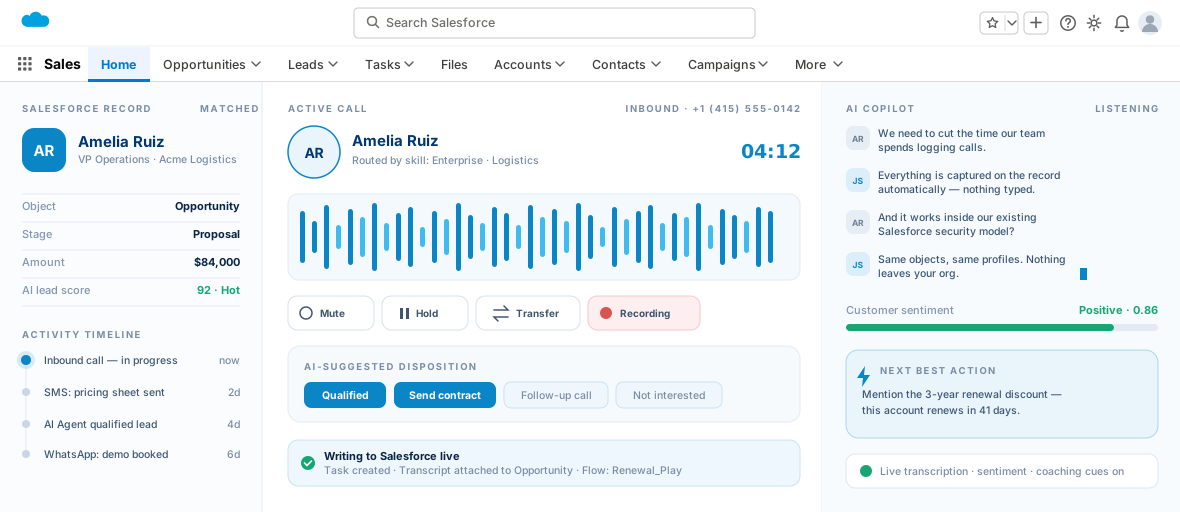
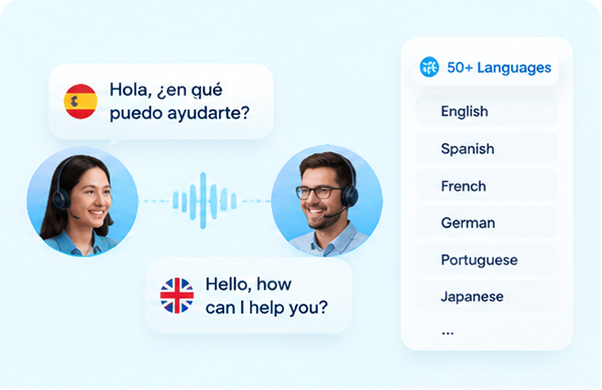
360 CTI operates as the CTI layer described above: placing and receiving calls, logging them against the correct Salesforce record, and capturing clean call metadata that any downstream intelligence layer can use. Its own AI call automation features add real-time transcription across 50+ languages and sentiment detection directly inside the call workflow, which means teams get usable voice intelligence even before or alongside whatever Einstein features their edition includes.
Because 360 CTI logs calls natively to Salesforce objects rather than a separate telephony portal, the data reaching Einstein (or Conversation Intelligence, if that’s the naming in your org today) arrives structured and correctly attributed from the start. That’s the actual value of a CTI-first approach: it’s not competing with Einstein, it’s what makes Einstein’s output trustworthy in the first place.
None of this works backwards. You can have the most advanced generative AI layer Salesforce ships and it still won’t tell you anything useful if the call feeding it was logged against the wrong contact, missing half its metadata, or never made it into Salesforce at all. Voice AI is only as good as the call data underneath it, and that data starts at the CTI layer, not the AI layer.

Want Clean Call Data Feeding Your Einstein and Agentforce Workflows? Book a Demo
Most Salesforce orgs have spent years cleaning up email data, form data, and web activity data. Voice usually gets skipped. A rep…
A rep is thirty seconds into a call when the prospect throws out an objection nobody prepped them for. There’s a pause.…
A case comes in at 4:52 PM on a Friday. The queue picks the first available rep, who happens to…
We use cookies to help you navigate efficiently and perform certain functions. You will find detailed information about all cookies under each consent category below.
The cookies that are categorized as "Necessary" are stored on your browser as they are essential for enabling the basic functionalities of the site.
We also use third-party cookies that help us analyze how you use this website, store your preferences, and provide the content and advertisements that are relevant to you. These cookies will only be stored in your browser with your prior consent.
You can choose to enable or disable some or all of these cookies but disabling some of them may affect your browsing experience.
Necessary cookies are required to enable the basic features of this site, such as providing secure log-in or adjusting your consent preferences. These cookies do not store any personally identifiable data.
Functional cookies help perform certain functionalities like sharing the content of the website on social media platforms, collecting feedback, and other third-party features.
Analytical cookies are used to understand how visitors interact with the website. These cookies help provide information on metrics such as the number of visitors, bounce rate, traffic source, etc.
Performance cookies are used to understand and analyze the key performance indexes of the website which helps in delivering a better user experience for the visitors.
Advertisement cookies are used to provide visitors with customized advertisements based on the pages you visited previously and to analyze the effectiveness of the ad campaigns.
Other uncategorized cookies are those that are being analyzed and have not been classified into a category as yet.