

While Marketing and Sales have embraced digital channels, telephones remain a trusted tool for connecting with prospects and closing deals. There’s no substitute for a compelling sales pitch delivered smoothly over the phone to win over a potential customer. However, the manual tasks of dialing numbers and logging calls can drain your team’s productivity. Sales representatives typically spend over 35% of their work hours on these repetitive tasks. Imagine the potential growth if this time were redirected to more innovative and creative activities! Salesforce phone integration is designed to achieve exactly that.
Salesforce CTI Integration is a powerful productivity enhancer. Beyond boosting sales, it strengthens your service and support with intuitive routing and customer identification features. By automating call handling and enhancing collaboration through fully integrated cloud-based solutions, it enables your representatives to efficiently manage higher customer volumes.
So, to cover the importance of this integration, we’ll be covering some top features and the kind of value it can deliver that would make this integration a holy grail for the service team in any business.
What makes CTI integration with Salesforce so popular among service teams is the suite of amazing features that it carries along. So, we’ll be covering some of those features here and the kind of benefit they offer.
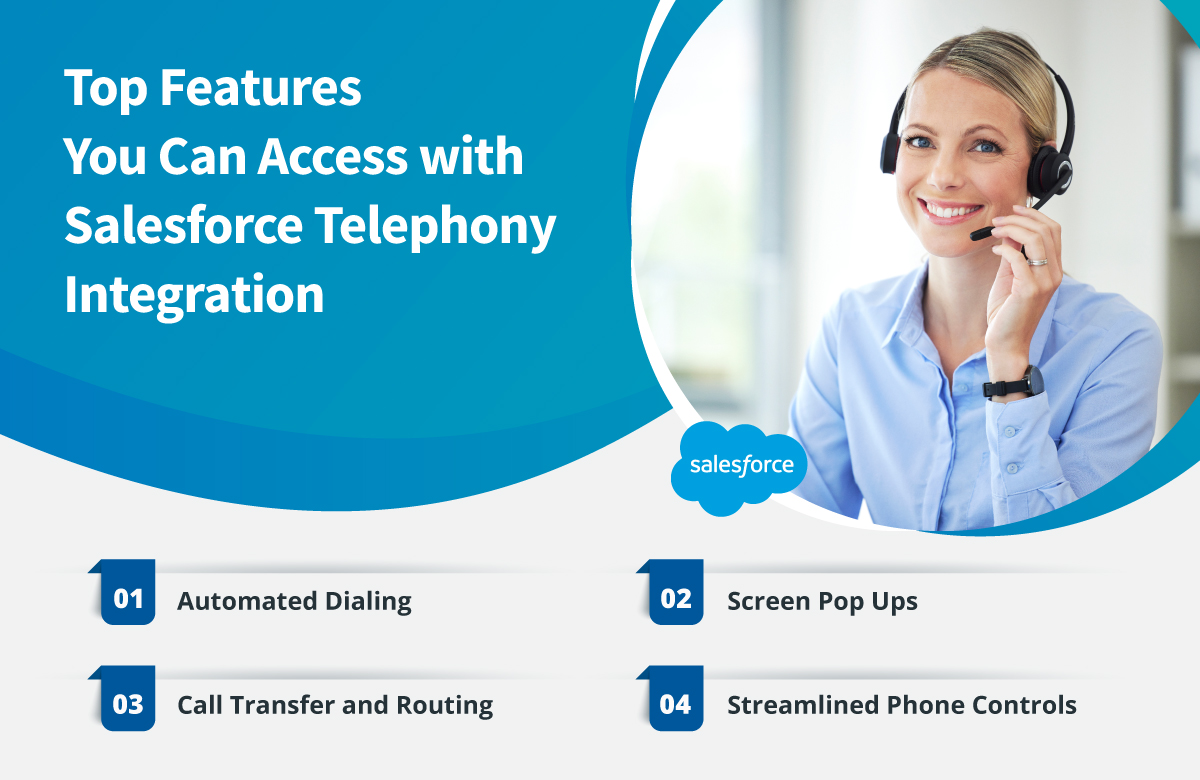
CTI integration with Salesforce helps support teams to establish streamlined communication, which is made possible by automated dialing features like predictive dialing, auto-dialers, and click-to-call. Predictive dialing enables bulk calling, directing live calls to available agents. Click-to-call lets customers start calls by clicking links within apps or websites.
CTI boosts efficiency by giving agents automated screen pop-ups with detailed customer information for incoming calls. Agents can swiftly access key details, such as caller authentication (ANI or DNIS), call history, and customer data. This unified view removes the need for manual information retrieval, allowing agents to provide personalized and efficient customer service.
CTI utilizes Automatic Call Distributor technology to enable data-driven call transfers and routing. By cross-referencing incoming call information with the company’s database, it smartly directs calls to the most qualified agent based on their expertise. For instance, if a customer has a refund inquiry, the Salesforce CTI system identifies the right agent and automatically routes the call to them.
Salesforce CTI equips agents with comprehensive phone control features, including call management, merging, forwarding, and more. By integrating all these functions into one platform, agents can effortlessly manage customer interactions without the need to switch between phone and computer systems.
All the features that the Salesforce CTI integration supports all falls back to how exactly they are helping to boost the potential of the team. Here are a few points that would shed a light on this.
Cloud Telephony integration with Salesforce streamlines call handling, enhancing efficiency and reducing effort for representatives. With an embedded dialer within Salesforce and other CRM or customer service software, reps can initiate calls by simply clicking on a contact’s name or number on their screen. This eliminates the need to switch between applications or use separate dialing tools. This seamless integration boosts productivity, enabling reps to concentrate on engaging with prospects or customers and delivering outstanding service.
Salesforce CTI integration provides a significant advantage by removing the need for agents to constantly switch between different programs. With Salesforce phone integration, agents can access caller information and all relevant data from a single dashboard or screen, eliminating the need to navigate between various messaging apps to make calls or gather information.
Managers can capture both inbound and outbound calls to oversee how agents engage with customers during calls. They can use analytics tools to gain insights into customer behavior and trends, allowing them to generate reports that align with these insights.
With CTI integration with Salesforce, you benefit from automatic call logging, which creates a record of conversations for addressing customer issues. To further enhance your capabilities, consider a CTI or telephone system integrated with Salesforce that includes built-in call recording and transcription. This feature provides stronger evidence in case disputes arise.
The key is to ensure real-time functionality. You can promptly respond to any issues and proactively address them before they escalate with real-time access to call logs and recordings.
Integrating Salesforce CTI can revolutionize how your agents interact with customers, leading to exceptional engagement experiences. It streamlines communication, enhancing the overall customer experience. Salesforce CTI efficiently handles customer inquiries, complaints, and requests, ensuring that customers leave interactions satisfied with all their questions answered. However, integrating Salesforce CTI can be complex, especially for organizations lacking internal development capabilities. For a more detailed look at what the integration covers and how it works technically, this guide to salesforce telephony integration covers every step in detail.

If you take something and you make it agentic scale, the thing that comes after it also has to be…


Three days. Moscone Center. Giant roaming Astro mascots. And five ideas that could shape how Salesforce teams work over the…

Every contact center hits a wall during peak hours. Phones ring. Queues stack up. Agents are already on calls. And…
We use cookies to help you navigate efficiently and perform certain functions. You will find detailed information about all cookies under each consent category below.
The cookies that are categorized as "Necessary" are stored on your browser as they are essential for enabling the basic functionalities of the site.
We also use third-party cookies that help us analyze how you use this website, store your preferences, and provide the content and advertisements that are relevant to you. These cookies will only be stored in your browser with your prior consent.
You can choose to enable or disable some or all of these cookies but disabling some of them may affect your browsing experience.
Necessary cookies are required to enable the basic features of this site, such as providing secure log-in or adjusting your consent preferences. These cookies do not store any personally identifiable data.
Functional cookies help perform certain functionalities like sharing the content of the website on social media platforms, collecting feedback, and other third-party features.
Analytical cookies are used to understand how visitors interact with the website. These cookies help provide information on metrics such as the number of visitors, bounce rate, traffic source, etc.
Performance cookies are used to understand and analyze the key performance indexes of the website which helps in delivering a better user experience for the visitors.
Advertisement cookies are used to provide visitors with customized advertisements based on the pages you visited previously and to analyze the effectiveness of the ad campaigns.
Other uncategorized cookies are those that are being analyzed and have not been classified into a category as yet.
 Live Chat

