Salesforce AI Voice Agent That Calls, Qualifies, and Logs Automatically
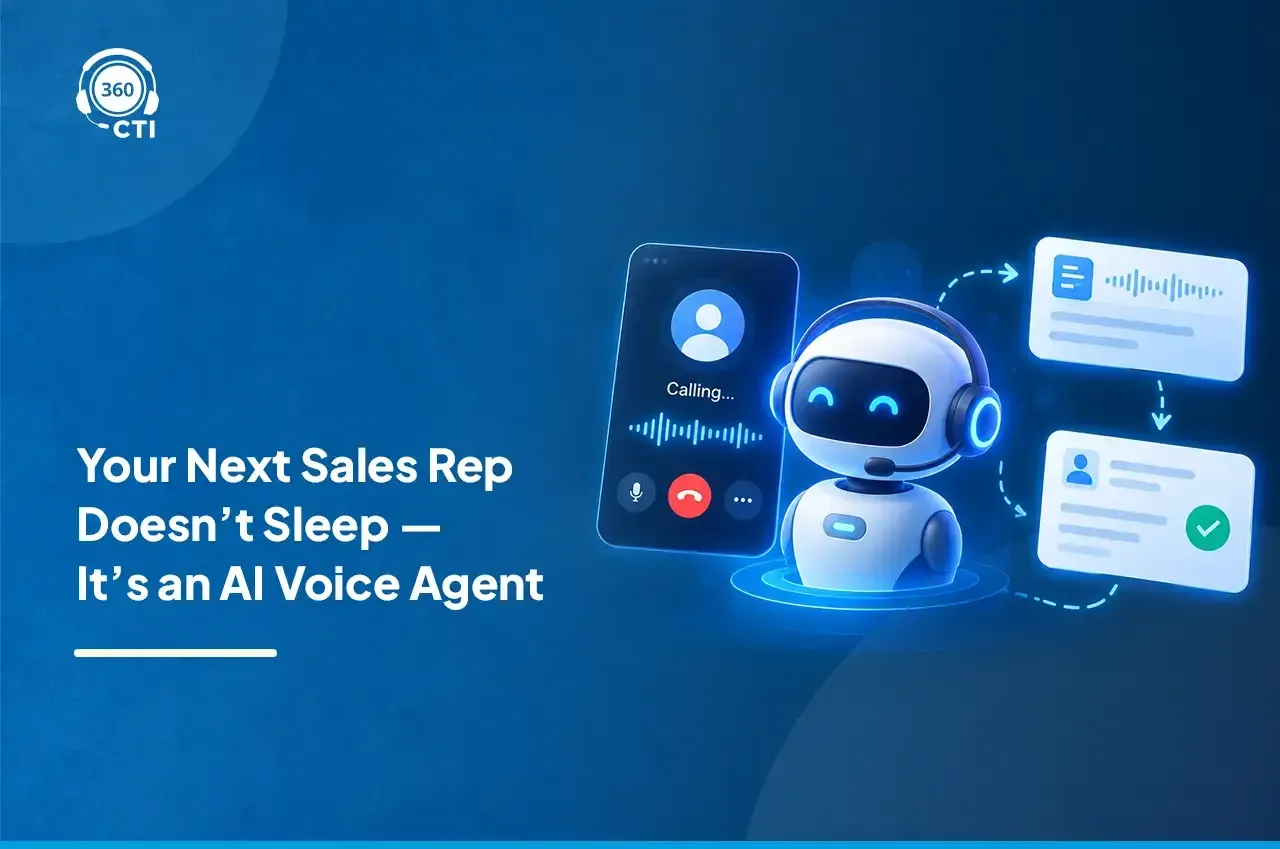
The Salesforce AI Voice Agent answers and makes phone calls for your Salesforce team. It qualifies leads, books appointments, and answers questions, then logs every outcome to the right record.
Ready-to-use Calling Agent | Deploy in 2 Minutes
Call logged by AI Voice Agent · 3m 42s
Demo booked · Tue, 2:00 PM
 360 CTIAI on call
AI Voice AgentHi Jordan, this is the 360 CTI AI assistant. Is now a good time to talk about your demo request?
Yes. We have 12 reps and want calls logged in Salesforce.
AI Voice AgentWould Tuesday at 2 PM work for a demo?
Trusted by Salesforce Teams at Scale


Deploy Ready-to-Use AI Agents in Just 2 Minutes
Get started faster with proven workflows that automate everyday tasks with minimal setup across functions.

Put Routine Customer Calls on Autopilot
Tell us your use case and we'll show you the agent running it in a Salesforce org.
We'll use your details only to arrange your demo.
Choose from Multiple Ready-made Voice
Agent Templates
Each template below is set up in about 2 minutes and comes with the conversation
flow already written. You can still edit the Role and Scope afterward.
Don't see an AI agent that fits your use case? Build one around your workflow in minutes.
Build Your AI AgentAppointment Booking
Book 20-minute Salesforce demo appointments — warm up prospects, collect preferred date and time, and log via Appointment_Bookings.
WHAT IT DOES
- Structured 3-state flow — greet, collect, confirm & book
- Handles busy, and not-interested objections gracefully
- Weekday and business-hours validation built in
Appointment Reminder Prompt
Notifies Internal Agent for appointments, delivers a smooth single or multi-appointment reminder using live data, then closes the call — no confirmations or questions asked.
WHAT IT DOES
- One-way reminders — no back-and-forth scheduling
- Handles multiple appointments in one smooth message
- Always uses live data from getDetails — never placeholders
Post Call Survey
Collect post-call ratings and resolution feedback one question at a time, then save to Call Log via submitSurvey.
WHAT IT DOES
- Structured 3-question flow with Salesforce field mapping
- Mandatory submitSurvey — never ends without saving
- Neutral, professional tone for ratings of any level
Salesforce Lead Creation
Sarah qualifies leads conversationally, collects name, email, company, and mobile, then inserts a Lead.
WHAT IT DOES
- Greets inbound callers and collects name, email, company and mobile conversationally
- Verifies details as they're captured, so nothing is misheard
- Creates the Lead in Salesforce once all information is confirmed
Build a Custom AI Agent in 3 Simple Steps in
Just 10 Minutes
Have a specific use case for your business? Build your own AI agent. This is the same
path whether you start from a template or from scratch.
Describe your use case
Choose a ready-made agent, or type a few sentences about your business, for example "I run a mobile service center and need an agent that books appointments." The Role and Scope get drafted for you.
Review the Role and Scope
Read what was drafted, adjust the wording if you want, add any files or a website it should reference. That's the only setup step. There's no separate flow builder to touch.
Test it on a real call, then go live
Dial out from the CTI dialer and listen with the live transcript open. When it sounds right, save it. The agent shows up on your dashboard, ready to take calls.
What Lands in Salesforce After Every Call
Every AI call ends with the details your team needs already on the Salesforce record.
- Summary
- Asked about pricing for 12 seats and wants to see call logging in Salesforce.
- Outcome
- Qualified · Demo booked
- Next step
- Demo on Tue, 2:00 PM with Priya Shah
Agent: Would Tuesday at 2 PM work for a demo?
Jordan: Yes, Tuesday works. Send the invite to this email.
Call Summary and Transcript
What the caller asked for, in a few lines, with the full call transcript on the record.
Outcome and Disposition
Qualified, booked, callback, or not interested, saved on the record without a rep typing it.
Next Step and Booked Time
Appointments land on the calendar and the next step is saved for the record owner.
Context for the Handoff
When a person takes over the call, they see the summary before they say hello.
Results From Teams Using 360 CTI's AI Voice Agent
What the AI Voice Agent Does on Every Call
The agent manages a real conversation, understands intent, and moves each call toward a useful next step, then records it in Salesforce.
Understands Natural Conversation
No press-1, press-2 menus. The agent listens to what you actually say and responds in context, so you can ask a follow-up question mid-call.
Qualifies and Routes with Context
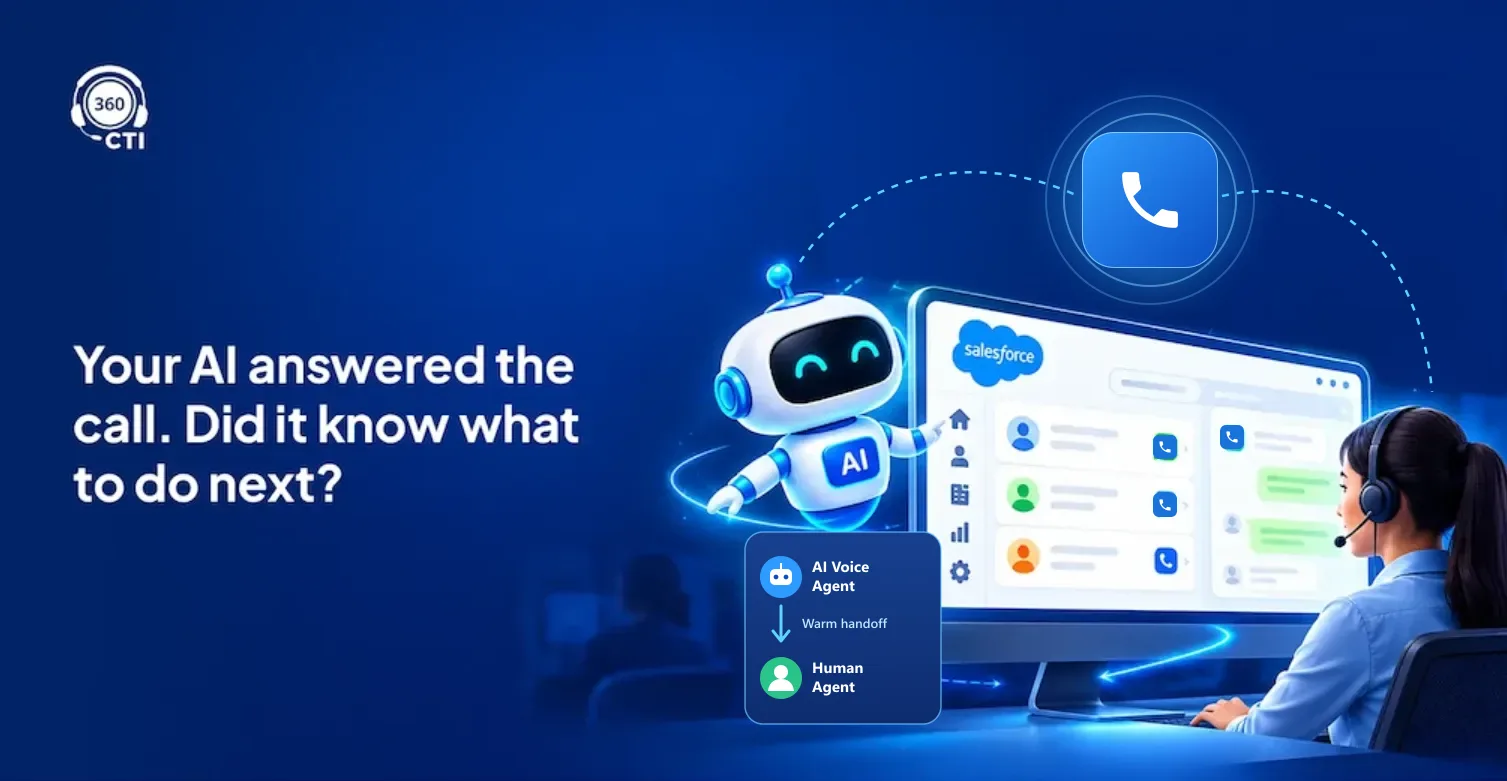
The agent captures intent, asks the right follow-up questions, and knows when to hand off to a human rep, passing full call context.
Moves the Conversation Forward
Qualify interest, work toward an appointment, capture a reminder response, follow up after a missed call, or collect feedback based on the use case.
Speaks and Understands 50+ Languages
Support multilingual conversations across 50+ languages without creating a separate calling process for every audience.
Logs Every Call to the Right Record
The call summary, outcome, and next step are written to the Lead, Contact, or Case as the call ends, with no manual notes.
Reads Tone and Escalates Early
Picks up frustration or urgency during the call and hands the caller to a person before the conversation goes wrong.
The Same Agent, Trained Differently By Industry
What changes between industries isn't the underlying agent. It's what the Role and Scope are
written to ask, listen for, and log.


What Salesforce Teams Say About 360 CTI
Compatible Across Salesforce Clouds and
AppExchange Apps
The AI Calling Agent is not a separate calling stack bolted on to the side. It runs inside your org,
so the same agent works across the teams and clouds your business already runs on.
Sales Cloud
Runs on your existing Lead, Contact, Account, and Opportunity records, so call outcomes land where your pipeline reporting already looks.
Service Cloud
Works with cases, queues, and the Service Console, and hands off to a live agent with full call context when a conversation needs a person.
Experience Cloud
Confirms appointments, shares account updates, and follows up with portal users without pulling your team into routine calls.
AppExchange Apps
Installs as a managed package and works alongside 360 SMS App, so a call the agent can't close keeps moving over text or WhatsApp.
360 CTI AI Voice Agent vs Agentforce Voice
Agentforce Voice is Salesforce's own voice agent. Here's how the two compare for teams that want AI calls inside Salesforce.
| What matters | 360 CTI AI Voice Agent | Agentforce Voice |
|---|---|---|
| What you need first | The 360 CTI managed package | Salesforce Voice with a telephony provider |
| Telephony | Your 360 CTI numbers and dialer | Partner telephony or Amazon Connect, billed separately |
| Setup | Ready-made templates in about 2 minutes | Voice, Omni-Channel, and agent setup first |
| Outbound calling | Reminders, follow-ups, and lead qualification | Built mainly for service calls |
| Your current calling setup | Same dialer, routing, and call lists | Runs on Salesforce Voice |
Built for Secure, Compliant AI Calling
What healthcare, finance, and other regulated teams check before they go live.

ISO/IEC 27001:2022 Certified

SOC 2 Type 2 Audited

HIPAA-Ready, BAA Available

GDPR Ready
FAQs About Salesforce AI Voice Agent
Everything you need to know about the Salesforce AI Voice Agent.
What is a Salesforce AI voice agent?
How is 360 CTI's AI Voice Agent different from Agentforce Voice?
How does the AI voice agent connect to Salesforce records?
How long does it take to set up an AI voice agent in Salesforce?
Can I test the AI voice agent before it talks to a real customer?
Do I need to write a script or build a flow for a custom voice agent?
Can the AI voice agent handle both inbound and outbound calls?
Will callers know they are speaking with an AI?
How much does the AI Voice Agent cost?
What are AI CTI agents for Salesforce?
From the 360 CTI Blog
Practical guides on AI calling inside Salesforce.