
Guide
360 CTI User Guide for India
Everything agents and admins need to use 360 CTI in India: calling from Salesforce, routing, IVR, voicemail, recordings, AI transcripts and setup.
Read Guide →Where to find call transcripts in Salesforce and what each AI field on the Call Log means, from sentiment to action items and call scores.
360 CTI turns every Salesforce call into searchable text and AI insights. Once a call ends, the full transcript, the call sentiment, a meeting summary, topics, action items and a set of quality scores are saved on the Call Log, so reps and managers can review any conversation without listening to the recording.
Note: In newer package versions, admins can choose the AI provider and manage the key themselves in CTI Setup › General Settings › AI Settings. See the 360 CTI User Guide for your region for the current setup steps.
The Call Transcript feature converts the entire conversation into text and saves it in the Call Transcript field of the Call Log. If a call is long, the transcript is saved as a File attached to the Call Log record.
360 CTI also runs a sentiment analysis of the call and saves the result in the Call Sentiments field, and generates Minutes of Meeting (MOM) that summarize the whole call.
Open the record the call was made from (for example, a Lead or Contact), go to its Call Logs, and open the Call Log for the call. The transcript and the AI fields below are filled in automatically once the call is completed.
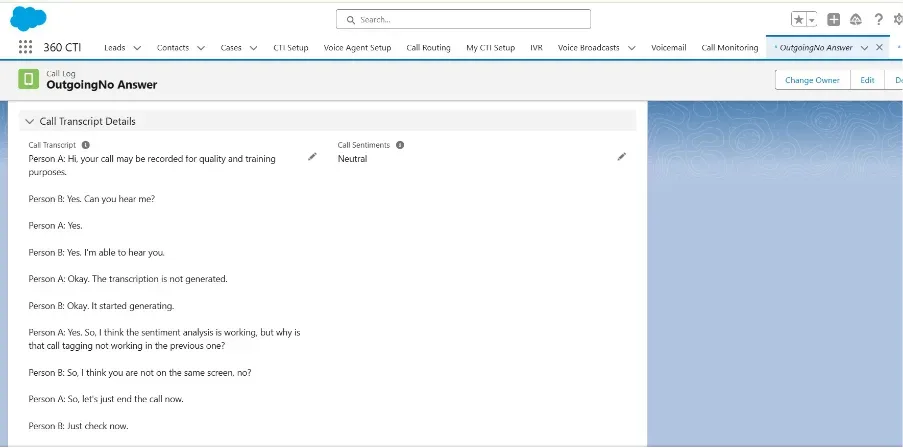
The complete transcript of the call, capturing the conversation between the customer and the agent.
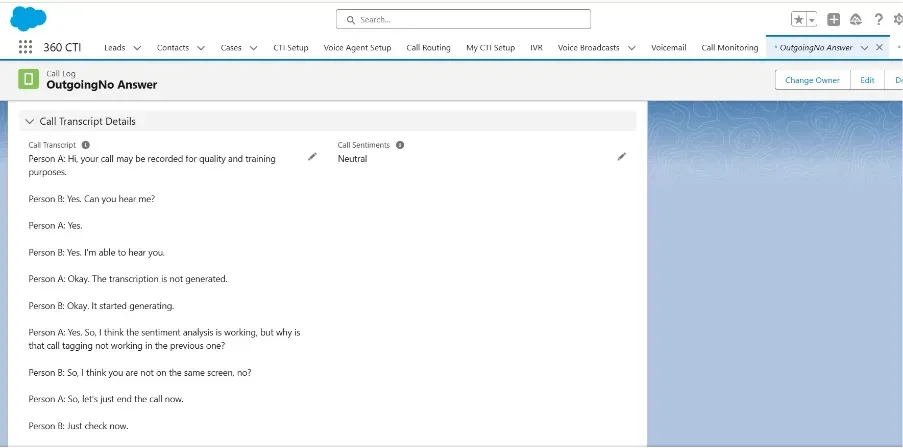
The overall sentiment of the call, for example Positive, Neutral or Negative.
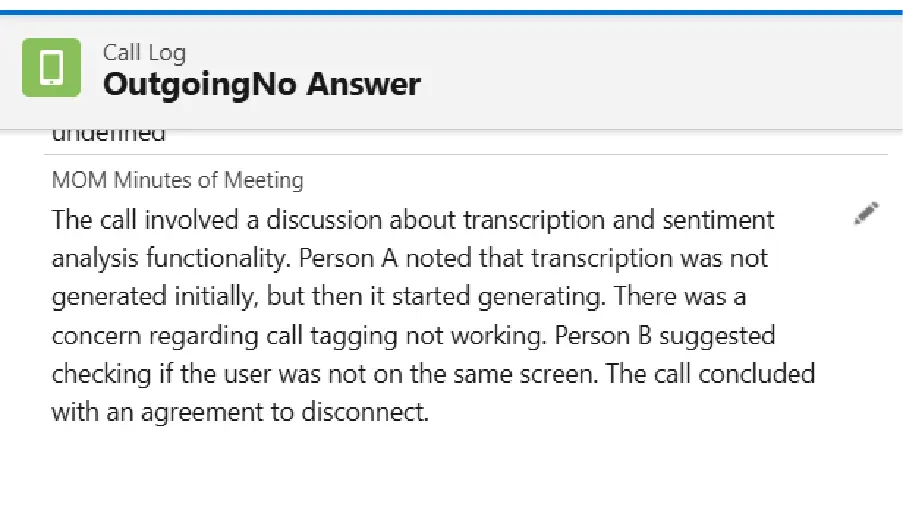
A short summary of the meeting or call.
The main topics or subjects discussed during the call.
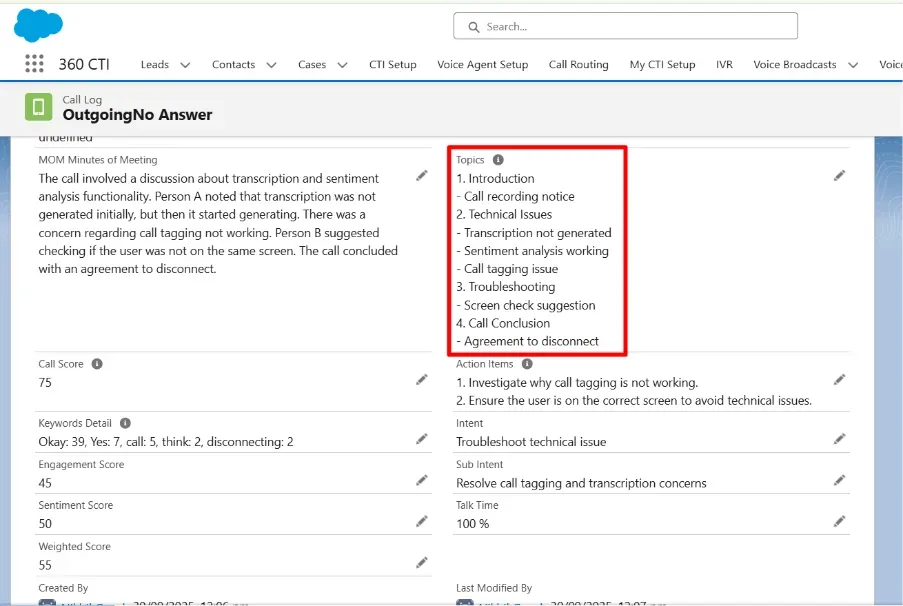
Call Score is the overall score of the call, based on the criteria set in the Call Transcript Keywords field in CTI General Settings.
Action Items lists the specific tasks or follow-ups discussed during the call.
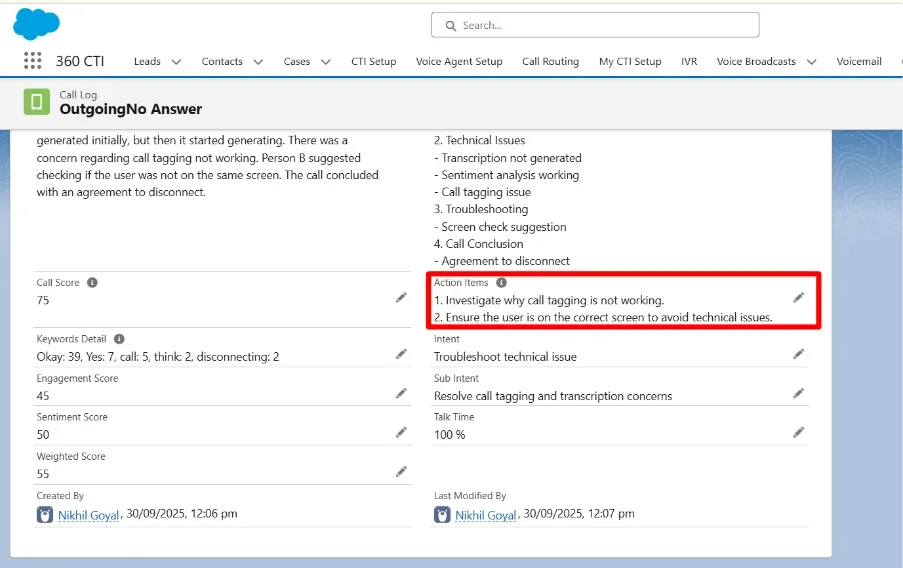
Tracks every keyword identified during the call. The keywords are defined in the Call Transcript Keywords field in CTI General Settings.
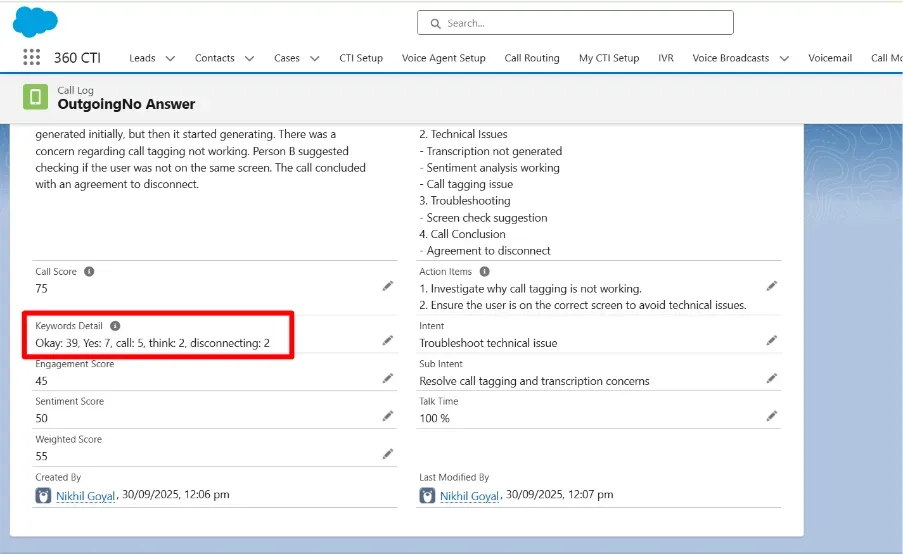
Filled in from the customer's idle time during the call. It helps you see whether the conversation with the customer is progressing smoothly.
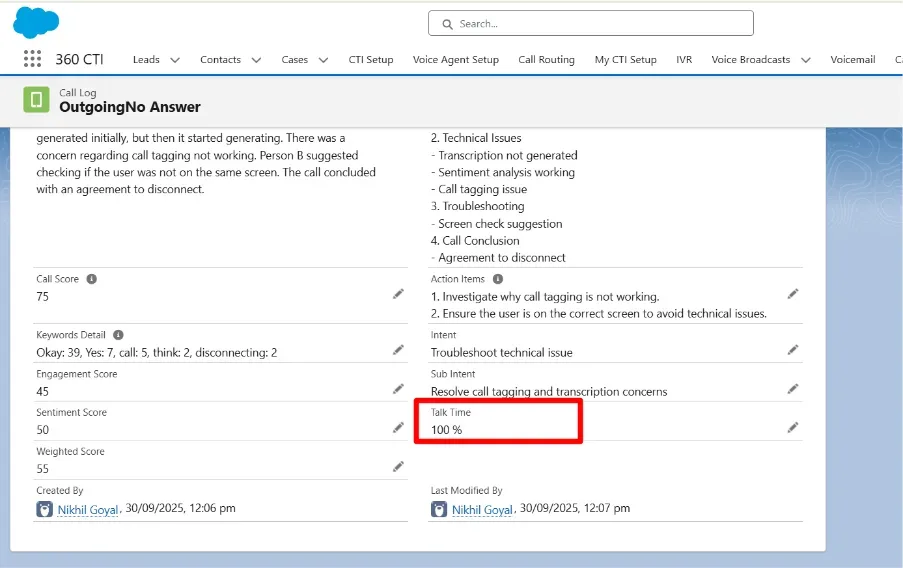
The purpose of the call.
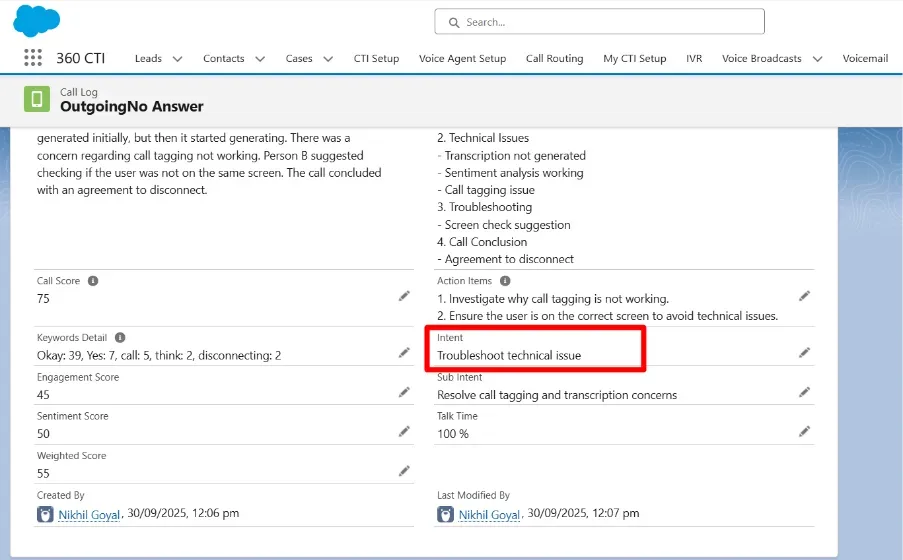
Whether the customer's issue or concern was addressed.
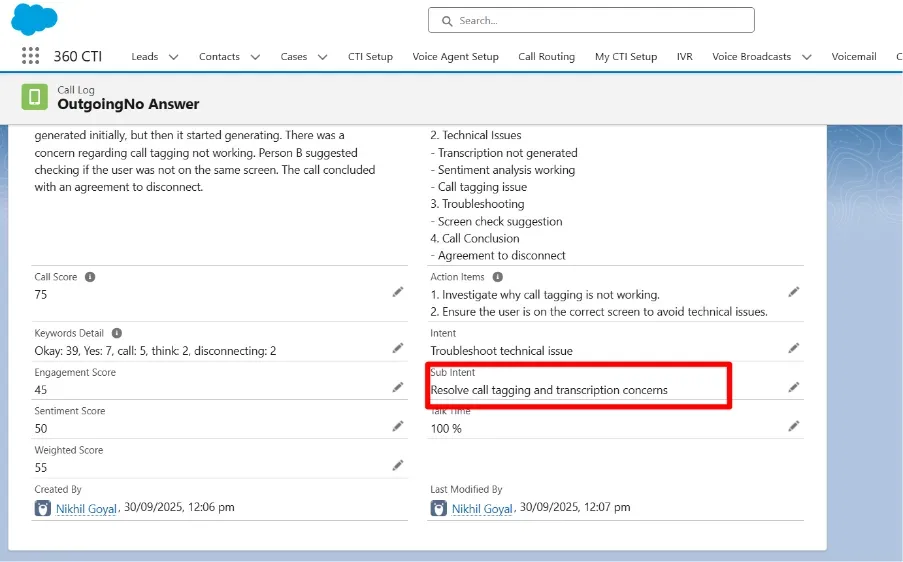
Measures how actively and meaningfully the customer interacted during the call.
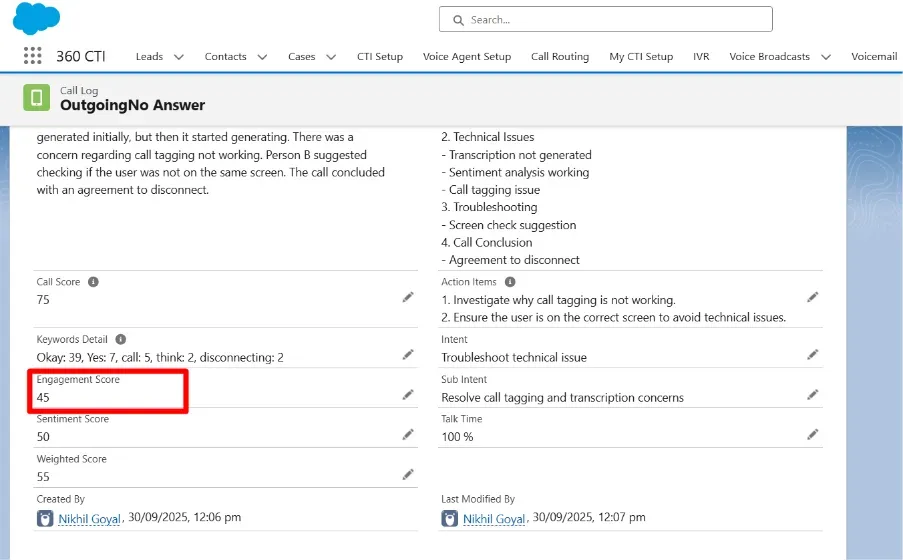
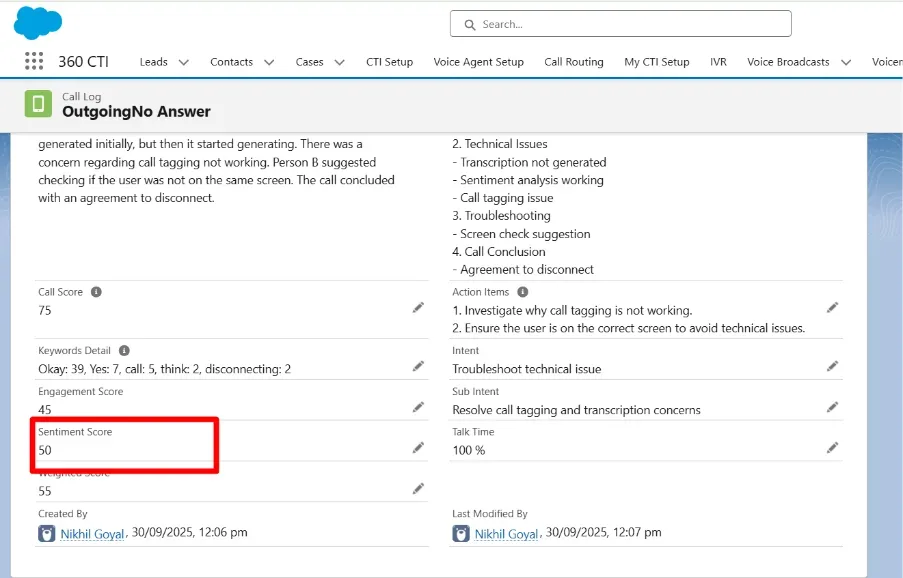
Measures the emotional tone of the conversation, showing whether the customer's mood during the call was positive, neutral or negative.
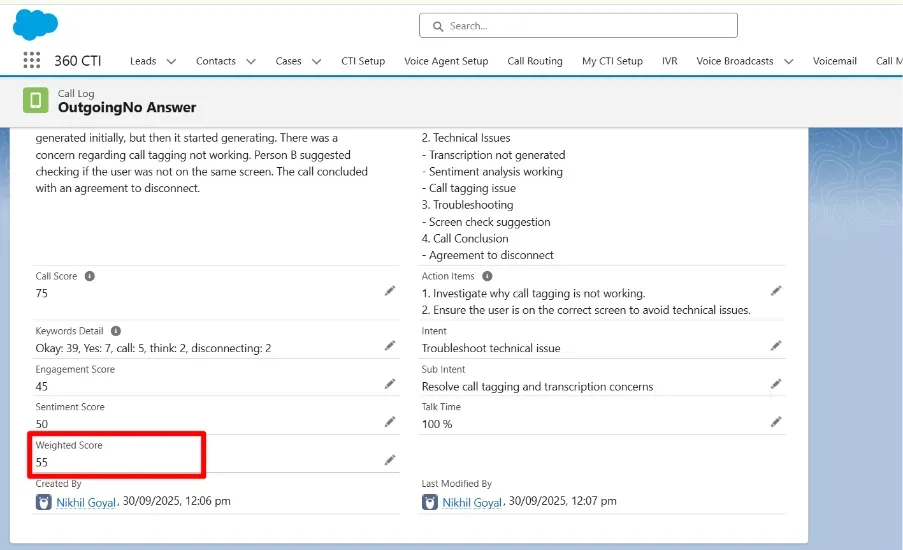
Measures call quality by giving more weight to the factors that matter most, such as issue resolution or customer satisfaction.
Need help setting this up in your Salesforce org? Talk to a 360 CTI expert and get it working for your team.
Talk to an ExpertEverything agents and admins need to use 360 CTI in India: calling from Salesforce, routing, IVR, voicemail, recordings, AI transcripts and setup.
Read Guide →The full 360 CTI user guide for international numbers: outbound and inbound calls, CTI Setup, Power Dial, IVR, call routing and AI features.
Read Guide →Set up 360 CTI AI features: the AI Voice Bot, live call transcription, auto call tagging, sentiment analysis and live call coaching.
Read Guide →