
📋 BLOG SUMMARY
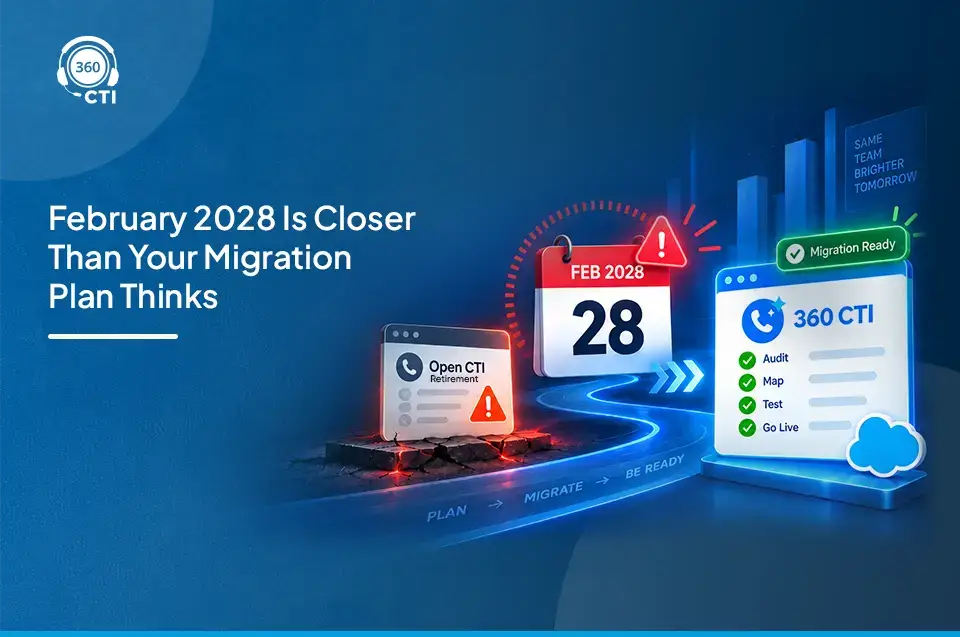
Open CTI retires on February 28, 2028. If your Salesforce telephony relies on the Open CTI JavaScript API, that gives you roughly 15 months to find a replacement and complete a migration. This guide covers 7 realistic open cti alternatives, with honest pros, cons, and migration effort for each, so you can shortlist the right path without wasting time on options that don't fit.
Open CTI is retiring, and the deadline is fixed. Salesforce has confirmed February 28, 2028 as the end date for the Open CTI JavaScript API. If your phone system connects to Salesforce through it, every softphone, screen pop, click-to-dial, and call log attached to that integration stops working the following morning.
Most migrations run 3 to 6 months. Some go longer. Shortlisting open CTI alternatives in late 2027 is how teams end up with a rushed migration and a hard cutover date they didn't plan for.
This post covers 7 realistic paths, who each one suits, and what the migration actually involves. Not a vendor feature glossary. An honest look at each option.
For the full retirement context, read our Open CTI sunset guide and 2028 preparation guide first.
What Happens When Open CTI Retires on February 28, 2028
The Open CTI JavaScript API is what's retiring. Specifically, the browser-based softphone adapters that third-party telephony vendors built on top of it, the ones that power the embedded phone panel inside Salesforce Lightning, including click-to-dial, screen pop, automatic call logging, and disposition tracking.
Phone calls themselves don't vanish. Your telephony carrier keeps working. What breaks is the Salesforce integration layer, the part that connects your phone system to CRM records in real time.
Teams using vendor adapters built on the Open CTI framework will lose that connection on March 1, 2028. Until February 28, everything runs as normal.
Worth saying: if your current vendor hasn't told you which API their Salesforce integration uses, that's worth pushing on now. Some vendors have already started moving customers off Open CTI dependencies ahead of the cutover. Others haven't said anything yet.
Not sure whether your current setup uses Open CTI?
Audit your integration and map your dependencies before you shortlist vendors.
Get the Checklist →How We Picked These Salesforce CTI Alternatives
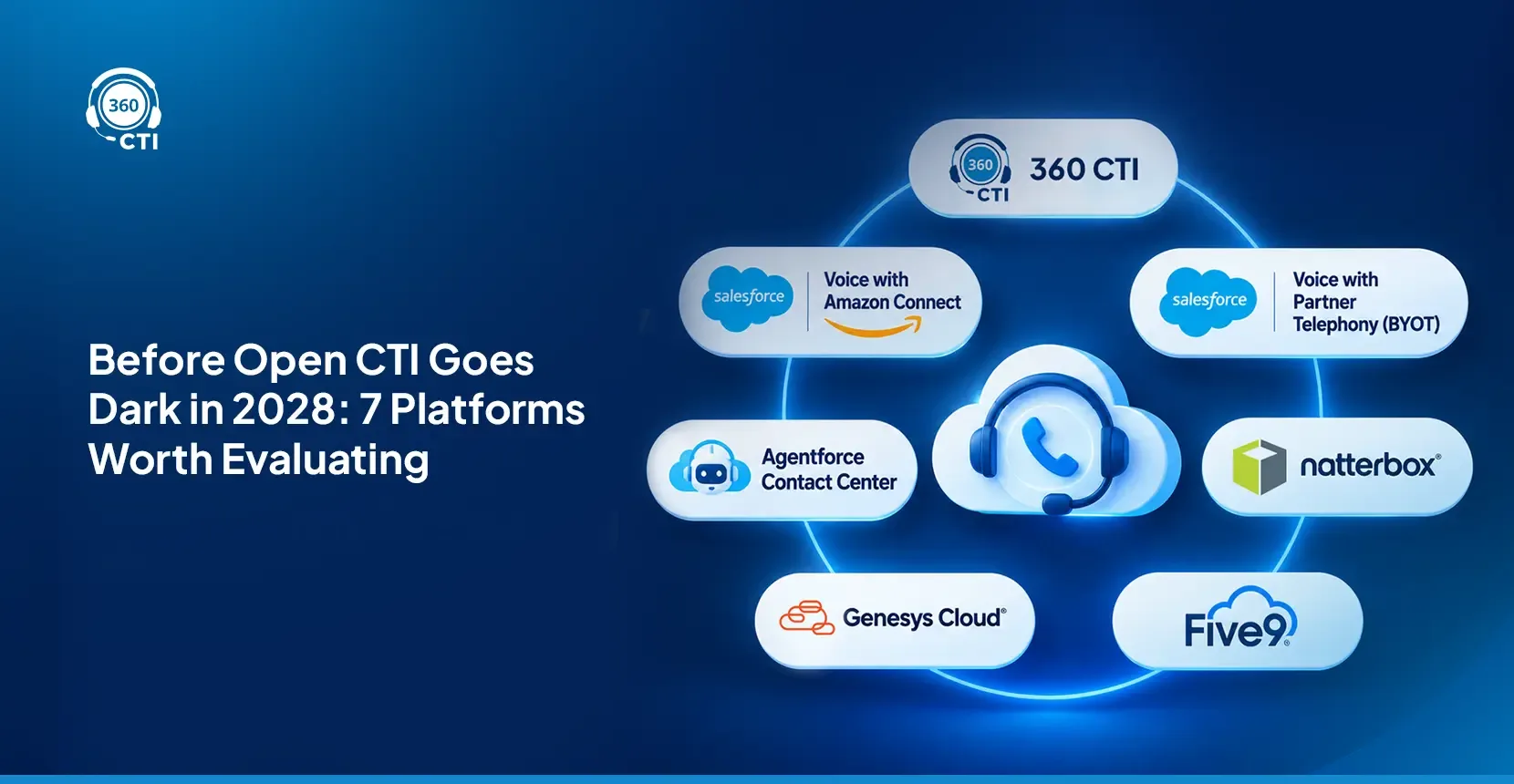
Not every CTI tool on the AppExchange belongs on this list. To qualify, a solution has to meet six criteria: no Open CTI API dependency, runs inside Salesforce rather than in a separate browser tab, includes dialer and IVR and call routing, has some AI capability, comes with a disclosed pricing model (or at least a published starting point), and carries a realistic migration path for existing orgs. For a broader look at how these tools compare in normal (non-retirement) conditions, the 7 best CTI tools for Salesforce in 2026 gives useful context on the wider field.
Seven options made the cut.
7 Open CTI Alternatives for Salesforce
1. 360 CTI: Salesforce-Native CTI with Built-In AI
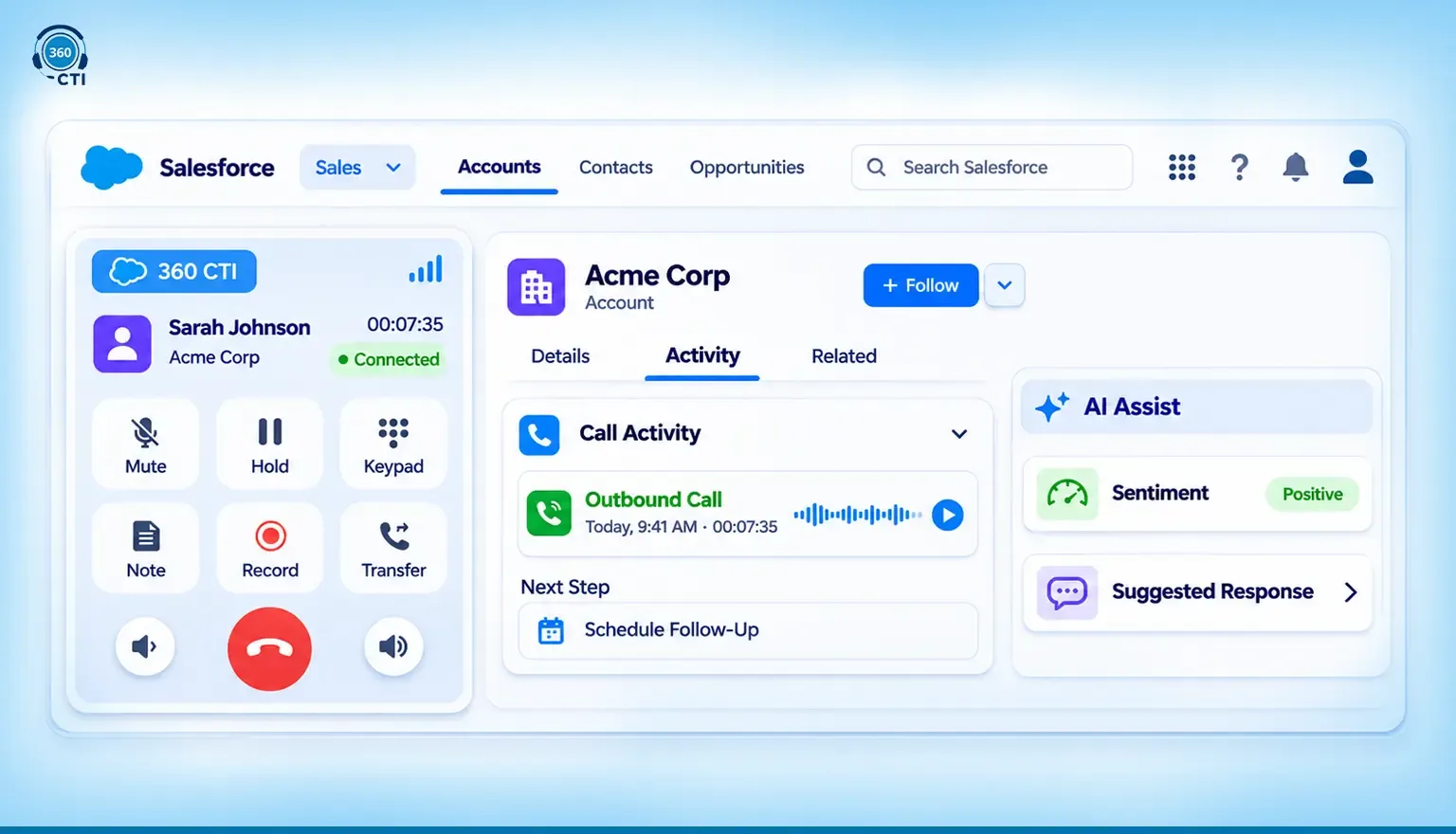
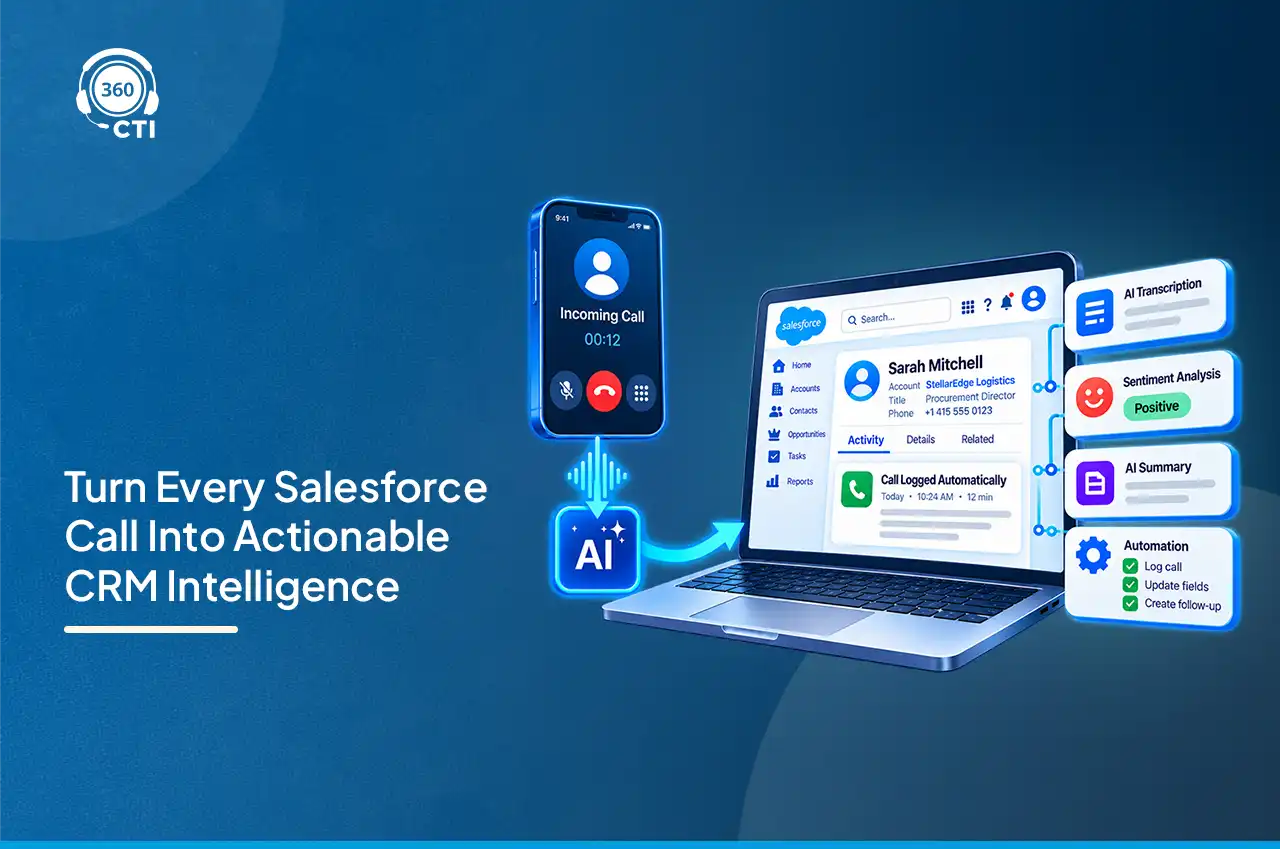
360 CTI is built directly on the Salesforce platform. Not through the Open CTI API, not through middleware. Calls, notes, recordings, dispositions, and follow-up tasks write to Salesforce records in real time, during the call. There's no parallel system to sync after.
That's the thing about native builds: when the API layer you're migrating away from was never part of your stack, the migration isn't an API swap. It's a configuration project.
Best for: Sales and service teams that want a single Salesforce-native system with AI, dialers, and compliance built in, without the Salesforce Voice license requirement.
Key features:
- Click to Dial, Power Dialer, Auto Dialer, and Predictive Dialer, all inside your CRM
- AI Voice Agent handles inbound and outbound calls autonomously (not a bot, a voice agent)
- AI transcription with sentiment analysis across 50+ languages
- Multilevel IVR, intelligent call routing, screen pop, call recording, and real-time activity logging
- Voice, SMS, and WhatsApp in one interface
- Compliant with GDPR, SOC 2, HIPAA, and ISO; supports Salesforce Shield
Pricing: Starting at $15/user/month. No setup cost. Nonprofit discounts available. (Source: 360 CTI on AppExchange, 3 Nov 2026)
Watch-outs: Sales Cloud is required. If your org has AI features enabled, confirm data handling requirements with the product team before go-live, especially in regulated industries. For a full breakdown of what 360 CTI Salesforce calling solution includes, checkout feature pages.
Migration effort: Low. Because 360 CTI doesn't use the Open CTI JavaScript API, there's no API dependency to unwind. The Open CTI to 360 CTI migration guide covers exactly what changes and what doesn't.
AppExchange rating: 4.88/5 from 90 reviews. (Source: AppExchange listing, 3 Nov 2026)
2. Salesforce Voice with Amazon Connect
Salesforce Voice (the product was called Service Cloud Voice before the Summer '26 release) is Salesforce's own telephony layer, co-built with Amazon Connect. It integrates deeply with Service Cloud and Omni-Channel routing.
Best for: Enterprise teams already running Service Cloud who want an all-Salesforce stack and have AWS resources to manage the IVR configuration.
Key features:
- Native omnichannel routing through Service Cloud
- IVR flow building via Amazon Connect
- Einstein conversation intelligence included on eligible plans
- Real-time transcription
Pricing: Requires Salesforce Voice licenses, priced separately from your existing Service Cloud contract. Amazon Connect usage fees apply on top of that. Quote-based. (As of November 2026)
Watch-outs: IVR flows live in Amazon Connect, not inside Salesforce. Building and maintaining those requires AWS knowledge or an ongoing managed services arrangement. In practice, this means two environments to manage.
Migration effort: High. New license model, AWS configuration, and Salesforce setup all required.
3. Salesforce Voice with Partner Telephony (BYOT)
Bring Your Own Telephony lets you connect an approved third-party carrier to Salesforce Voice. Vendors like Aircall and Talkdesk publish native Salesforce Voice connectors and are listed as supported BYOT partners.
Best for: Teams with an existing telephony contract they want to keep, who still want the Salesforce Voice embedded experience.
Key features:
- Salesforce Voice UI with your existing phone provider
- Omni-Channel routing and Service Cloud integration
- Partner-specific AI features vary by provider
Pricing: Requires Salesforce Voice licenses plus your telephony provider's plan. Most partners are quote-based. (As of November 2026)
Watch-outs: BYOT compatibility depends entirely on your specific provider. Not every carrier has a published Salesforce Voice connector. Verify compatibility before signing anything.
Migration effort: Medium. Salesforce Voice license setup plus connector configuration required.
4. Agentforce Contact Center
Agentforce Contact Center is Salesforce's newest AI-first contact center product. It's built for teams that want autonomous AI agents handling a meaningful share of inbound volume, not just transcription and routing assist.
Best for: Larger contact centers with serious AI deflection and autonomous resolution goals, and a 12-to-24-month implementation horizon.
Key features:
- AI-driven routing and autonomous inbound resolution
- Deep Service Cloud and Data Cloud integration
- Einstein and Agentforce capabilities built in
- Features in active rollout as of November 2026
Pricing: Quote-based. (As of November 2026)
Watch-outs: It's new. Some capabilities are still rolling out. This isn't the right choice if you need a stable, fully-documented stack by mid-2027. Worth tracking for roadmap planning, but not the safe bet for teams with hard migration deadlines.
Migration effort: High. Architectural rethink of contact center workflows required before any configuration begins.
📌 DID YOU KNOW
Salesforce renamed Service Cloud Voice to Salesforce Voice in the Summer '26 release. Both names appear in current documentation, AppExchange listings, and vendor materials. If you see either, they refer to the same product.
5. Natterbox
Natterbox is a Salesforce-native voice platform with a particular focus on sales call coaching, manager assist, and voice analytics. It's one of the more established independent CTI options on the AppExchange.
Best for: Teams that prioritize real-time coaching, call quality scoring, and whisper functionality for manager-agent conversations.
Key features:
- Salesforce-native call management (no Open CTI dependency)
- Real-time coaching, whisper, and barge-in functionality
- IVR and call recording
- Voice analytics and reporting inside Salesforce
Pricing: Quote-based. No public starting price. (As of November 2026)
Watch-outs: Without published pricing, budget comparison at the evaluation stage is harder than it should be. Tends toward enterprise pricing. To be fair, the coaching and analytics capabilities are genuinely solid, but the cost conversation has to happen early.
Migration effort: Medium.
6. Genesys Cloud
Genesys Cloud is a standalone contact center platform with a Salesforce connector. It's built for large, complex multi-channel environments where Salesforce is one channel, not the center of the operation.
Best for: Enterprise contact centers with sophisticated cross-channel routing needs that extend well beyond Salesforce.
Key features:
- Omnichannel routing across voice, chat, email, messaging, and social
- Workforce management and forecasting tools
- AI-powered predictive routing
- Salesforce connector for CRM data sync
Pricing: Quote-based. (As of November 2026)
Watch-outs: In practice, teams using Genesys end up managing two separate platforms. Salesforce is integrated via connector, not native. If your system of record is Salesforce, that creates a data and configuration overhead that compounds over time.
Migration effort: High. Significant deployment and integration project required.
7. Five9
Five9 is a cloud contact center platform with a long track record in enterprise environments. It has a Salesforce CTI connector and strong outbound dialer capabilities.
Best for: Large contact centers already deep in the Five9 ecosystem that need to extend Salesforce visibility into their existing setup.
Key features:
- IVR, ACD, and outbound dialer
- AI Virtual Agent for inbound deflection
- Salesforce integration via CTI connector
- Workforce optimization tools
Pricing: Quote-based. (As of November 2026)
Watch-outs: The Salesforce integration is a connector, not a native build. "Salesforce integration" and "Salesforce-native" aren't the same thing, and that matters when you're migrating away from a connector-based approach. Configuration and ongoing sync maintenance required. To be fair, Five9 is a capable platform for the right use case: enterprise contact centers that don't live inside Salesforce.
Migration effort: High.
Open CTI Alternatives Side by Side: What Each Option Actually Costs and Requires
Two things decide which path fits your org: whether the tool runs natively inside Salesforce or connects via a separate system, and whether it needs a Salesforce Voice license on top of what you already pay. Everything else follows from those two questions.
| Option | Salesforce-native | Starting price | Best for |
|---|---|---|---|
| 360 CTI | Yes | $15/user/month | Sales and service teams, all sizes |
| Salesforce Voice + Amazon Connect | Yes | Quote-based | Enterprise Service Cloud teams |
| Salesforce Voice + BYOT | Yes | Quote-based | Teams keeping existing telephony contract |
| Agentforce Contact Center | Yes | Quote-based | Enterprise AI-first contact centers |
| Natterbox | Yes | Quote-based | Sales coaching, mid-market and above |
| Genesys Cloud | Connector only | Quote-based | Large multi-channel contact centers |
| Five9 | Connector only | Quote-based | Large enterprise contact centers |
How to Choose Your Open CTI Replacement
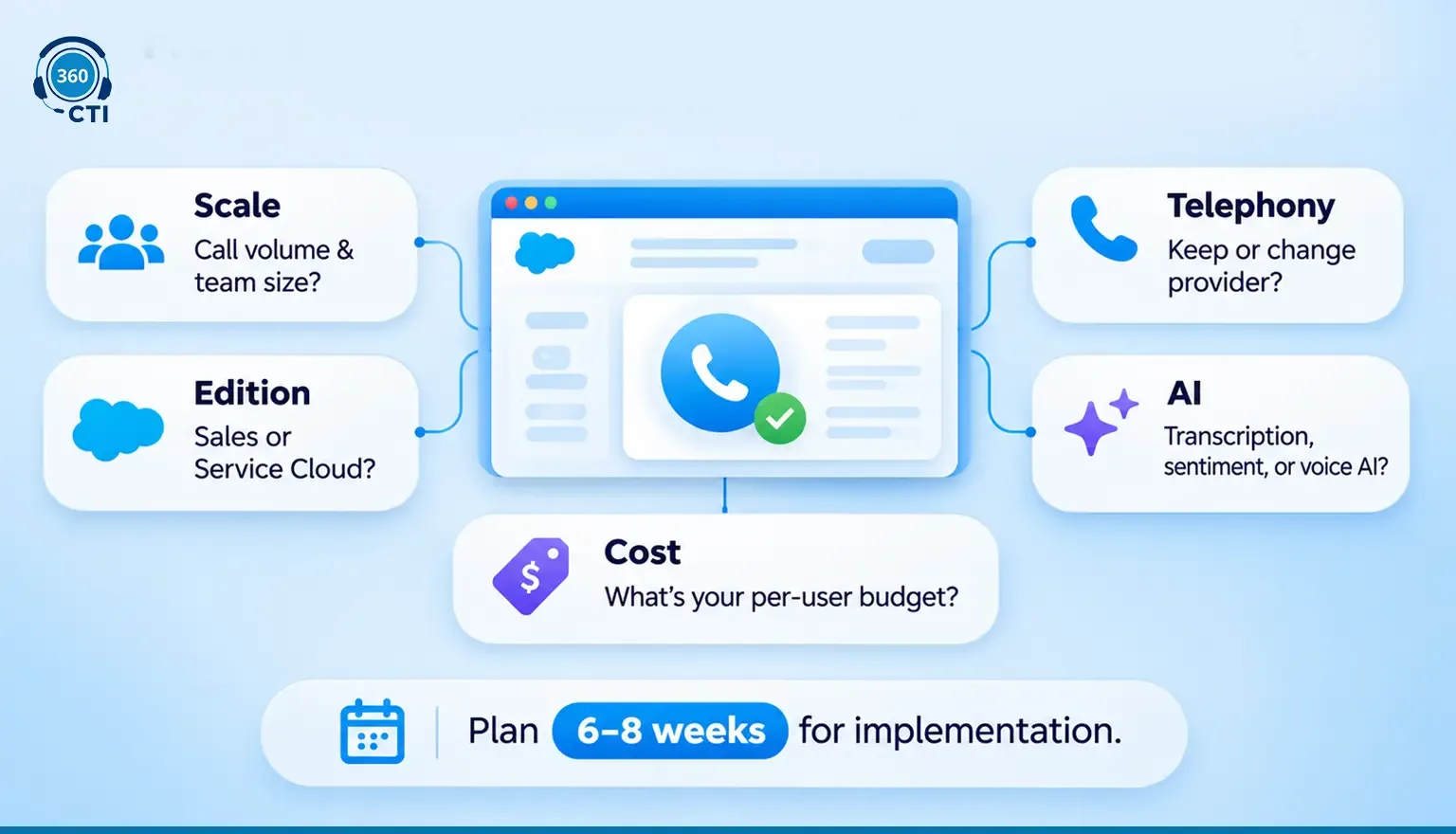
Five questions. Answer these before you run a single vendor demo, and you'll cut the list fast.
1. What's your call volume and agent headcount? Teams under 20 agents don't need an enterprise contact center platform. Large contact centers with complex routing requirements need more than click-to-dial. Get this number on paper first.
2. Which Salesforce edition are you on? Not every Salesforce CTI alternative works with every edition. 360 CTI requires Sales Cloud. Salesforce Voice requires a specific Service Cloud tier. Confirm compatibility before running demos, not after.
3. Are you keeping your current telephony provider? If you're locked into a carrier contract, BYOT options become more relevant. If you're open to changing providers, you have more room.
4. What AI capabilities do you actually need? Transcription and sentiment are standard now. Autonomous AI voice agents are a different category. If you're in healthcare or financial services, understand how each platform handles AI data before it becomes a compliance blocker. That question killed more than one evaluation we've seen.
5. What's your per-user budget? Quote-based pricing is the norm for enterprise platforms. 360 CTI's published $15/user/month starting price is one of the only transparent benchmarks on this entire list.
Worth saying: most migrations that go wrong do so because teams underestimated configuration time, not license cost. Build 6 to 8 weeks of implementation into your plan regardless of which platform you choose.
The Bottom Line
February 28, 2028 isn't far off. And the options on this list aren't interchangeable.
If you're a small or mid-sized Salesforce team that wants calling, AI, and compliance in one native package without a new license layer, 360 CTI is the most direct path. If you're a large enterprise already deep in Service Cloud and comfortable with AWS, Salesforce Voice makes sense. If your contact center lives outside Salesforce, Genesys and Five9 have the scale, but you'll be managing two systems indefinitely.
The worst outcome isn't picking the wrong platform. It's waiting until Q4 2027 to start. Most migrations surface at least one dependency nobody mapped, one custom flow that doesn't port cleanly, and one licensing question that takes three weeks to answer. That's expected. What's not expected is doing all of that under a hard cutover deadline.