
📋 BLOG SUMMARY
Salesforce Voice vs CTI comes down to your calling needs, licensing costs, AI requirements, and integration architecture. Salesforce Voice is suited to advanced contact center operations, while third-party CTI solutions can offer a more affordable route for teams focused on calling, routing, and CRM activity tracking. The right choice also depends on compatibility with Salesforce's upcoming Open CTI retirement.
Your Salesforce implementation partner recommends moving to Salesforce Voice. Your existing phone system works, but now you're evaluating new licenses, telephony costs, and potential migration work.
Is the move necessary, or can a third-party CTI solution meet your requirements?
That's the real question behind Salesforce Voice vs CTI.
Both approaches connect calls with your CRM, but they aren't interchangeable. Salesforce Voice offers a broader contact center architecture, while a dedicated CTI application can be more focused on dialing, call logging, routing, and everyday agent productivity.
The decision also has a deadline. Salesforce is retiring Open CTI on February 28, 2028, so compatibility matters as much as cost.
If you're evaluating your current telephony setup, understanding the difference between Salesforce VoIP and native CTI is a useful starting point.
This guide compares the licensing, setup effort, AI capabilities, and actual costs to help you choose an approach that fits your team.
What Is Salesforce Voice (Formerly Service Cloud Voice)?
Salesforce Voice connects phone conversations with customer records, service workflows, agent workspaces, and supported AI capabilities within Salesforce's contact center offerings.
Previously called Service Cloud Voice, these products were renamed and reorganized during 2026.
According to Salesforce's official August 31, 2026 naming reference, the current offerings include:
- Agentforce Contact Center Voice: Built-in telephony for Salesforce's unified contact center.
- Partner Contact Center Voice: Connects a supported third-party telephony provider.
- Partner Contact Center with Amazon Connect: Uses preintegrated Amazon Connect telephony.
The distinction matters because these options have different licensing requirements, calling-minute arrangements, and implementation models.
How Agentforce Voice Fits In
Agentforce Voice enables conversational AI agents to handle supported voice interactions, access permitted business information, and transfer conversations to human representatives.
For teams planning Salesforce's native Agentforce Voice experience, the underlying supported voice architecture is a key requirement. A legacy CTI integration shouldn't be assumed to provide the same AI capabilities.
Organizations evaluating AI-led customer service should consider the telephony setup alongside AI licensing, escalation workflows, and customer context.
For a closer look at these requirements, explore our guide to an Agentic AI contact center in Salesforce.
Two Ways to Run Salesforce Voice
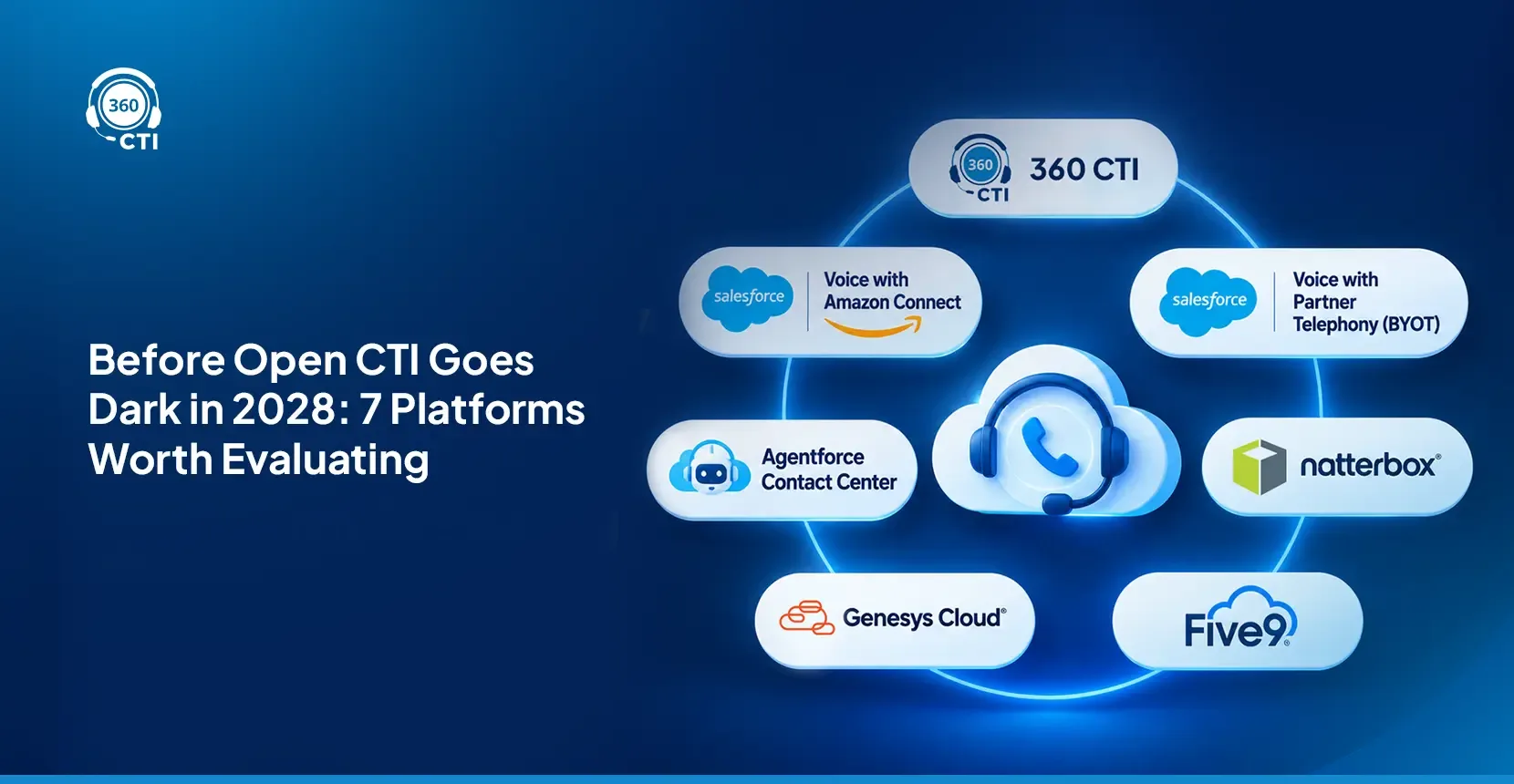
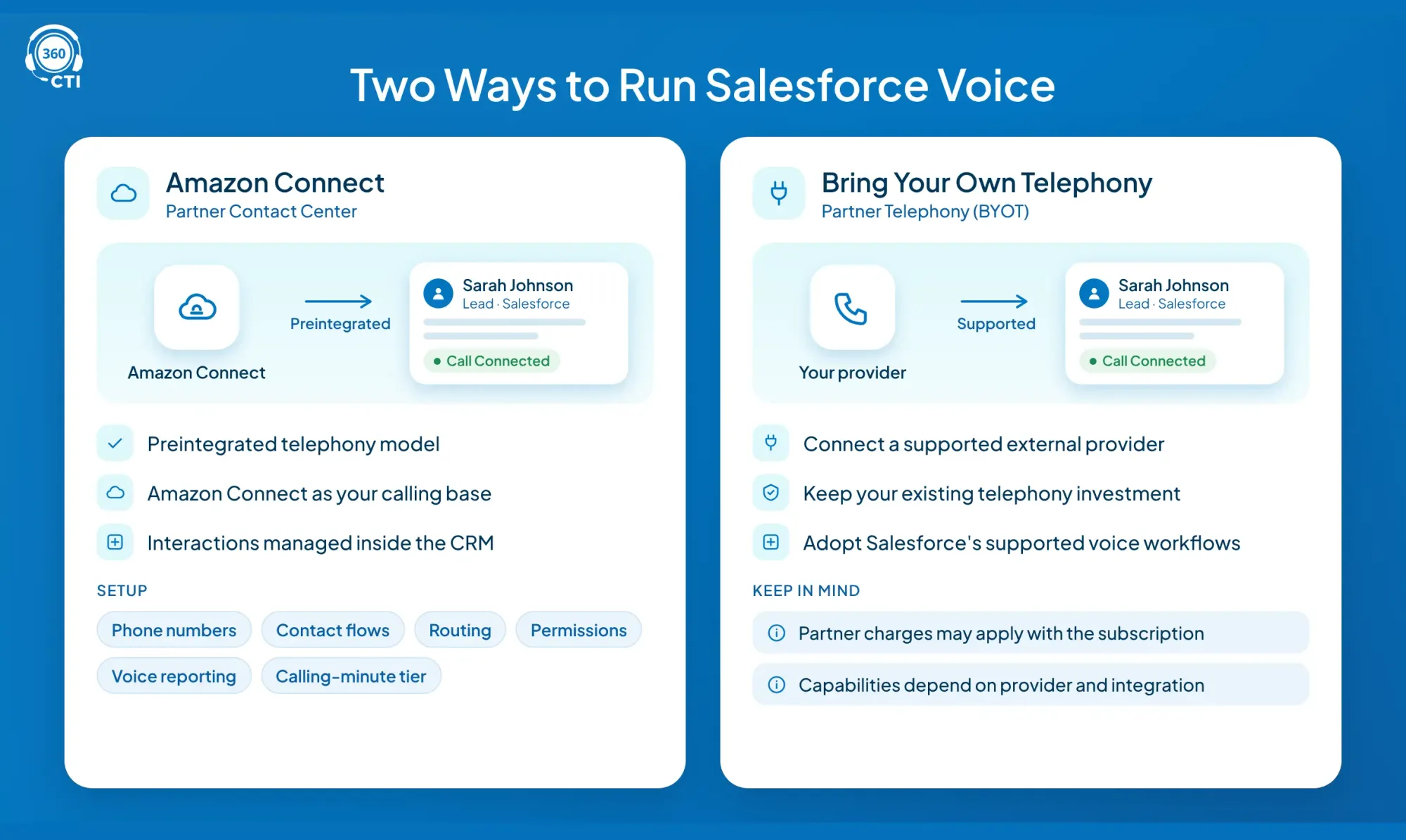
For organizations comparing the former Service Cloud Voice offerings, two important partner-telephony approaches are Amazon Connect and Bring Your Own Telephony (BYOT).
Salesforce Voice with Amazon Connect
Now known as Partner Contact Center with Amazon Connect, this option uses Amazon's cloud contact center technology through a preintegrated telephony model.
It makes sense when your organization wants Amazon Connect as its calling foundation while managing customer interactions within the CRM.
Setup includes configuring phone numbers, contact flows, routing, permissions, and voice reporting. Teams must also select an appropriate calling-minute tier.
Salesforce Voice with Partner Telephony (BYOT)
The BYOT model lets organizations connect a supported external telephony or contact center provider.
It's useful when your company already has a telephony investment and wants to retain that provider while adopting Salesforce's supported voice workflows.
However, BYOT doesn't automatically lower the total cost. Partner telephony charges may apply alongside the Salesforce subscription. Available capabilities also depend on the provider and integration model.
The difference: Amazon Connect offers a preintegrated telephony model, while BYOT gives organizations more provider choice, subject to compatibility.
Moving away from Open CTI? Get the Salesforce CTI migration checklist.
Audit your calling workflows, record mapping, and migration risks before selecting a new platform.
Get the Migration Checklist →What Is a Third-Party Salesforce CTI?
A third-party CTI (Computer Telephony Integration) application connects phone systems with your CRM so users can make calls, retrieve customer records, log activities, and manage follow-ups.
Depending on the product, CTI can support click-to-dial, screen pops, IVR, call recording, automatic logging, and analytics.
Unlike Salesforce Voice, a standalone CTI application doesn't necessarily require a separate Salesforce Voice license.
For example, 360 CTI offers:
- Power, Auto, and Predictive Dialer
- Click to Dial and automatic call logging
- IVR and call routing
- AI voice agents
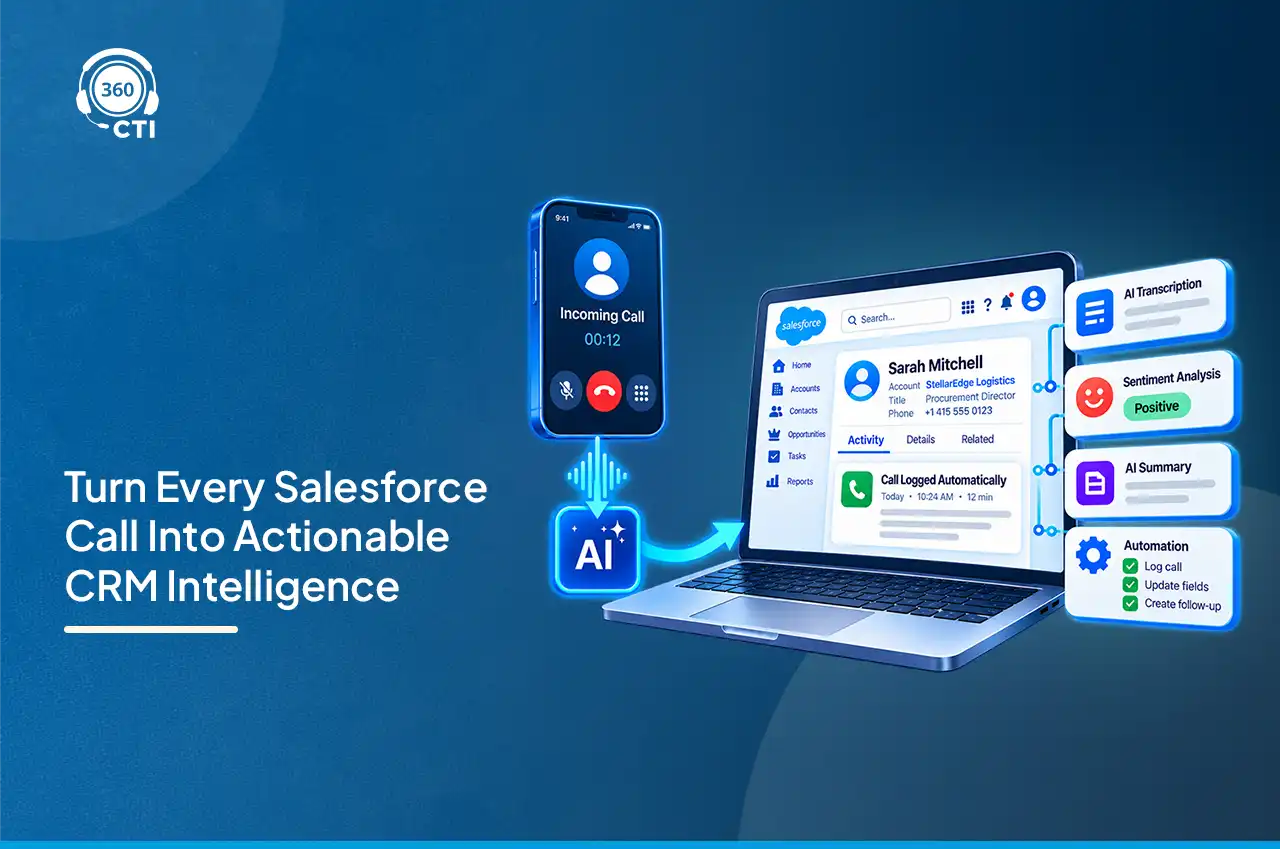
- AI transcription with sentiment analysis
- Voice, SMS, and WhatsApp capabilities
A native-feeling CTI application isn't automatically independent of Open CTI. The underlying integration technology needs verification before any long-term migration decision.
Salesforce Voice vs CTI: Side-by-Side Comparison
The biggest difference between Salesforce Voice vs CTI is the scope of the platform, licensing requirements, and the workflows each solution is designed to support.
| Criteria | Salesforce Voice | Third-Party CTI |
|---|---|---|
| Licenses | Voice + applicable licenses | CTI app license |
| Telephony | Built-in or partner | Provider-dependent |
| Setup | Contact center configuration | App and CRM configuration |
| Administration | CRM + telephony | CRM + CTI settings |
| Dialers | Varies by offering | 360 CTI: Power, Auto, Predictive |
| AI | Supported Agentforce features | Vendor-specific AI |
| Starting price | From $50/user/month | 360 CTI: $15/user/month |
| Best fit | Broader contact centers | Focused calling workflows |
A CTI solution may be enough for a sales team that mainly needs outbound dialing and CRM activity tracking. An organization managing multiple service channels, complex supervisor workflows, and Salesforce-native AI may benefit more from Salesforce Voice.
To understand how the technical integration affects daily operations, see Salesforce-native CTI vs third-party telephony solutions.
What Each Option Really Costs
Salesforce Voice pricing depends on the chosen telephony model, calling-minute tier, CRM licenses, and additional capabilities.
Comparing subscription prices alone can be misleading because the available plans don't include identical features.
Salesforce Voice Pricing in November 2026
Salesforce's official voice pricing page lists these US prices as of November 2026.
| Offering | Price/user/month |
|---|---|
| Partner Voice | $50 |
| Amazon Connect, 750 min | $75 |
| Amazon Connect, 2,000 min | $125 |
| Agentforce Contact Center | $125 |
| 360 CTI, starting price | $15 |
Cost Example: A 20-User Team
Let's assume your company already has suitable CRM licenses and wants calling access for 20 users.
| Option (20 users) | Illustrative Monthly License Cost |
|---|---|
| Partner Voice | $1,000 |
| Amazon Connect, 750 min | $1,500 |
| Agentforce Contact Center | $2,500 |
| 360 CTI, starting tier | $300 |
The difference in starting subscription costs is significant, but the figures don't represent complete total cost of ownership.
Before deciding, calculate five things:
- Licensing: Required user licenses and product add-ons.
- Telephony: Calling minutes, phone numbers, and international charges.
- Implementation: Configuration, migration, testing, and training.
- AI: Voice agents, transcription, and other applicable usage.
- Operations: Recording storage, support, and future maintenance.
For a more detailed pricing explanation, explore how much Salesforce CTI costs per user.
A lower software price can make sense for a calling-focused team. A broader contact center package may justify its higher price when the organization actually needs those additional capabilities.
The right comparison is the cost of the same required workflows, not simply the cheapest monthly license.
📌 DID YOU KNOW
Open CTI retires on February 28, 2028. Existing implementations can continue during the transition period, but newly created Agentforce Service orgs can't implement Open CTI. Salesforce recommends migrating to its supported voice architecture.
This makes one question essential when comparing Salesforce Voice vs CTI:
Will your chosen calling solution remain compatible after February 2028?
A third-party CTI product isn't automatically a permanent replacement for Open CTI. If it depends on the retiring API, its future integration architecture must be confirmed.
Salesforce's Open CTI retirement notice explains the deadline and the impact on existing customers.
Before buying, ask your vendor for written confirmation of its supported architecture, migration approach, and continuity plans.
When Salesforce Voice Is the Right Choice
Salesforce Voice makes sense when your organization needs a broader contact center platform rather than basic calling integration.
You Need Unified Contact Center Operations
Organizations handling voice alongside digital channels, service cases, and complex supervisor workflows may benefit from Agentforce Contact Center.
The platform is suited to teams that want customer interactions and service operations managed through Salesforce's contact center architecture.
Agentforce Voice Is a Priority
If Agentforce Voice is central to your AI strategy, you need to evaluate the supported voice foundation alongside licensing, customer data access, and escalation workflows.
This is especially relevant when AI agents must resolve customer requests and transfer conversations to human representatives with context.
You Already Have a Compatible Voice Setup
If your organization already uses Salesforce Voice successfully, switching providers solely to reduce license costs might introduce unnecessary migration expenses.
Compare the complete cost of staying against the cost and operational risk of moving.
When a Native CTI Makes More Sense
A Salesforce-native CTI application can be a practical alternative when your business primarily needs calling productivity and reliable CRM activity tracking.
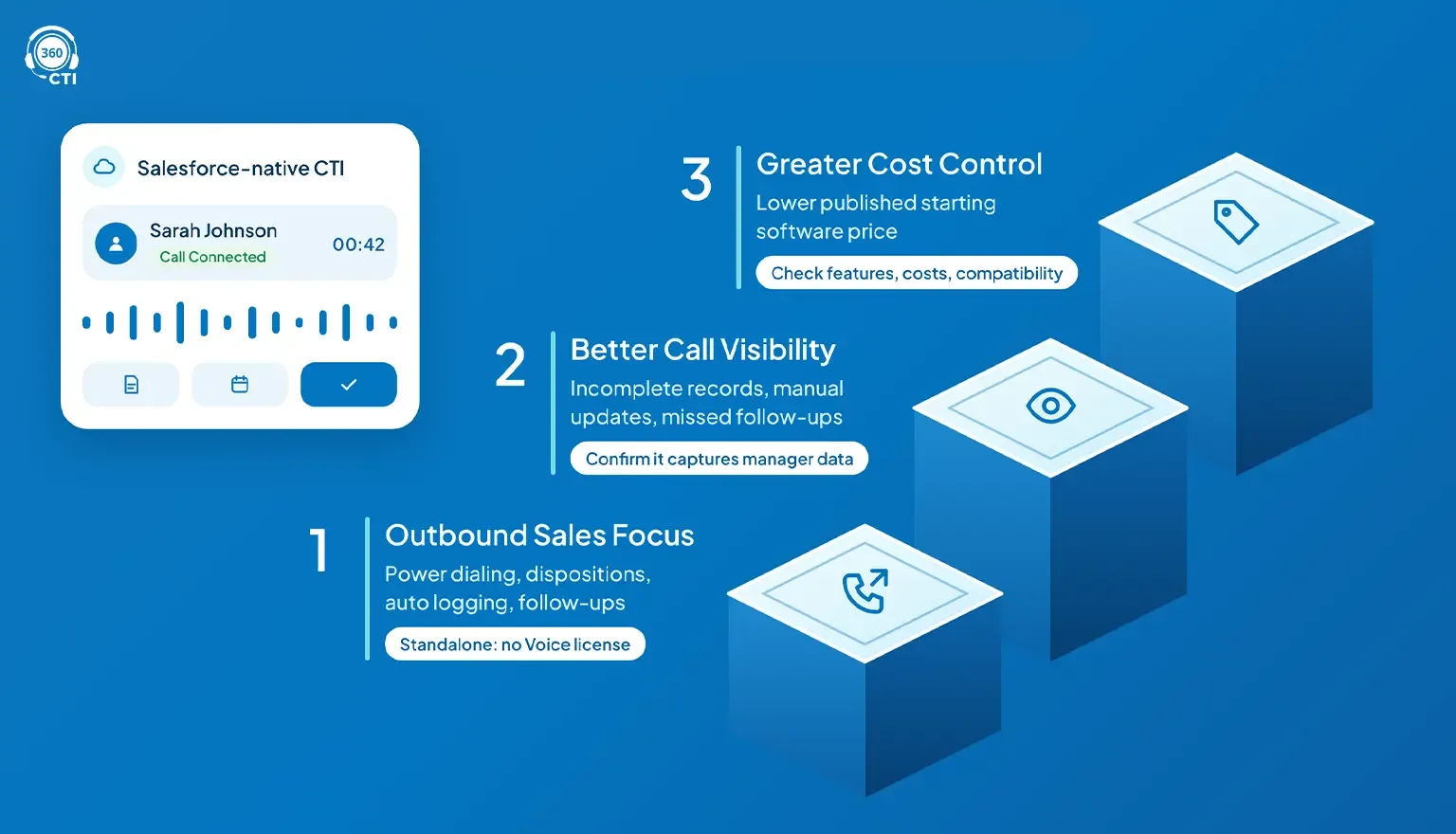
Your Team Focuses on Outbound Sales
SDRs, BDRs, and inside sales teams often prioritize power dialing, call dispositions, automatic logging, and follow-up management.
360 CTI offers multiple dialing options for these workflows without requiring a separate Salesforce Voice license for its standalone CTI offering.
You Need Better Call Visibility
If your biggest challenge is incomplete call records, manual updates, or missed follow-ups, a dedicated CTI application may address your needs without investing in a broader contact center platform.
The important consideration is whether the application captures the data your managers need and supports your required CRM workflows.
You Want Greater Cost Control
360 CTI offers a lower published starting software price than the Salesforce Voice offerings compared above.
That makes it worth evaluating for cost-conscious teams, provided the required features, telephony costs, and long-term compatibility meet your requirements.
Explore the 360 CTI cloud contact center solution to assess its calling, routing, and reporting capabilities.
Conclusion
Choosing between Salesforce Voice vs CTI comes down to how much contact center functionality your team needs and what it will cost to maintain.
Salesforce Voice is suited to organizations investing in broader service operations and supported Agentforce capabilities. A dedicated CTI application like 360 CTI may be a more economical choice for teams focused on calling efficiency and CRM visibility.
Before committing, compare total costs, test your essential workflows, and confirm post-2028 compatibility.